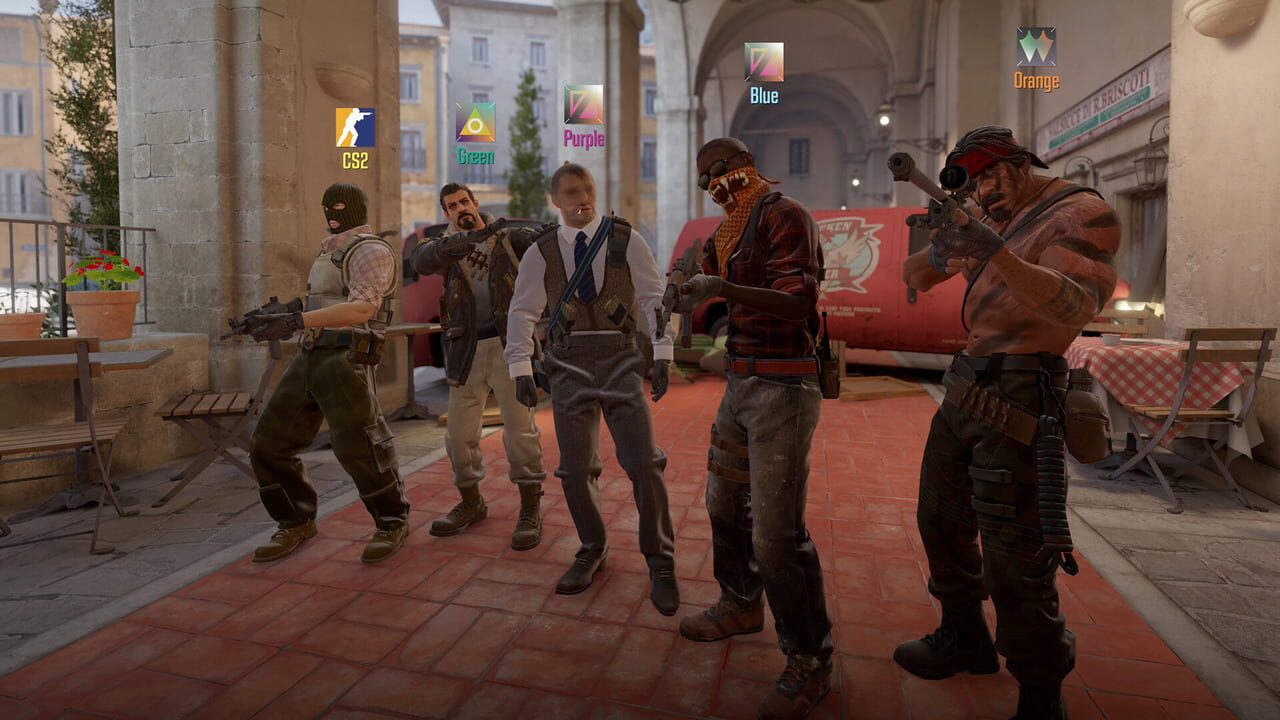
Counter-Strike 2 runs better than CS:GO but still requires optimization for competitive play. These settings balance visual clarity with maximum performance.
Sensitivity & Mouse Settings
Pro Sensitivity Range
Most pros play between 600-1200 eDPI (mouse DPI × in-game sensitivity).
| Player | eDPI | DPI | In-Game Sens |
|---|---|---|---|
| s1mple | 1236 | 400 | 3.09 |
| ZywOo | 800 | 400 | 2.00 |
| m0NESY | 800 | 400 | 2.00 |
| NiKo | 604 | 400 | 1.51 |
Recommendation for beginners: Start at 800 eDPI (800 DPI × 1.0 sens or 400 DPI × 2.0). Adjust from there.
Mouse Settings
| Setting | Value |
|---|---|
| Mouse DPI | 400 or 800 |
| In-game sensitivity | 1.5-2.5 (at 400 DPI) |
| Raw Input | On |
| Mouse Acceleration | Off |
| Zoom Sensitivity | 1.0 |
Crosshair Settings
Essential Crosshair Config
cl_crosshairstyle 4
cl_crosshairsize 2
cl_crosshairgap -3
cl_crosshairthickness 0
cl_crosshaircolor 1
cl_crosshairdot 0
cl_crosshair_drawoutline 0
cl_crosshairalpha 255
Pro Crosshair Codes (Import in Settings)
| Player | Code |
|---|---|
| s1mple | CSGO-s2OKi-bbmD4-QJRM6-VdNHh-JUYpA |
| ZywOo | CSGO-9OHsw-cPkHA-6pr4K-Fe4M6-LeRVP |
| m0NESY | CSGO-hLxBm-nbhpm-raAnB-oOhcV-E2J6A |
Crosshair Placement Tool
Enable cl_showpos 1 in console to see your coordinates. Use this to memorize head height on each map.
Video Settings (Max FPS)
| Setting | Competitive | Balanced |
|---|---|---|
| Resolution | 1280×960 (4:3 Stretched) | 1920×1080 (Native) |
| Aspect Ratio | 4:3 | 16:9 |
| Shadow Quality | Low | Medium |
| Texture Detail | Low | Medium |
| Effect Detail | Low | Low |
| Shader Detail | Low | Low |
| Boost Player Contrast | On | On |
| V-Sync | Off | Off |
| Multisampling | None | 4x MSAA |
| FidelityFX Super Res | Off | Off |
| NVIDIA Reflex | On + Boost | On |
4:3 Stretched: Makes player models wider and easier to hit. Black bars (unstretched) for cinematic feel. Native for clarity.
Launch Options
Add these to CS2 Properties → General → Launch Options:
-novid -high -nojoy +fps_max 0-novid: Skip intro video-high: High CPU priority-nojoy: Disable joystick support (saves resources)+fps_max 0: Uncapped FPS
Audio Settings
| Setting | Value | Why |
|---|---|---|
| Master Volume | 100% | Hear everything |
| EQ Profile | Crisp | Emphasizes footsteps |
| L/R Isolation | 50% | Standard stereo |
| Perspective Correction | On | Better directional audio |
| Music Volume | 0% | Disable for competitive |
Sound Cues to Listen For
- Footsteps — loudest indicator. Tell you enemy distance, direction, and surface material.
- Scope sound — enemy AWPing nearby.
- Reload sound — free kill window while enemy is reloading.
- Grenade pin pull — enemy about to throw utility.
- Defuse sound — CT defusing the bomb.
Practice Config
Create an autoexec.cfg file in steamapps/common/Counter-Strike 2/csgo/cfg/:
// Practice binds
bind "F1" "sv_cheats 1; sv_infinite_ammo 2; sv_grenade_trajectory 1; sv_showimpacts 1"
bind "F2" "sv_cheats 0"
bind "F3" "noclip"

// Clear decals
bind "SHIFT" "+speed; r_cleardecals"
Start with 800 eDPI and 4:3 stretched. Adjust from there as you develop your playstyle. Settings don’t make you better — consistency in your settings does.
Discussion
0 commentsNo comments yet. Be the first!