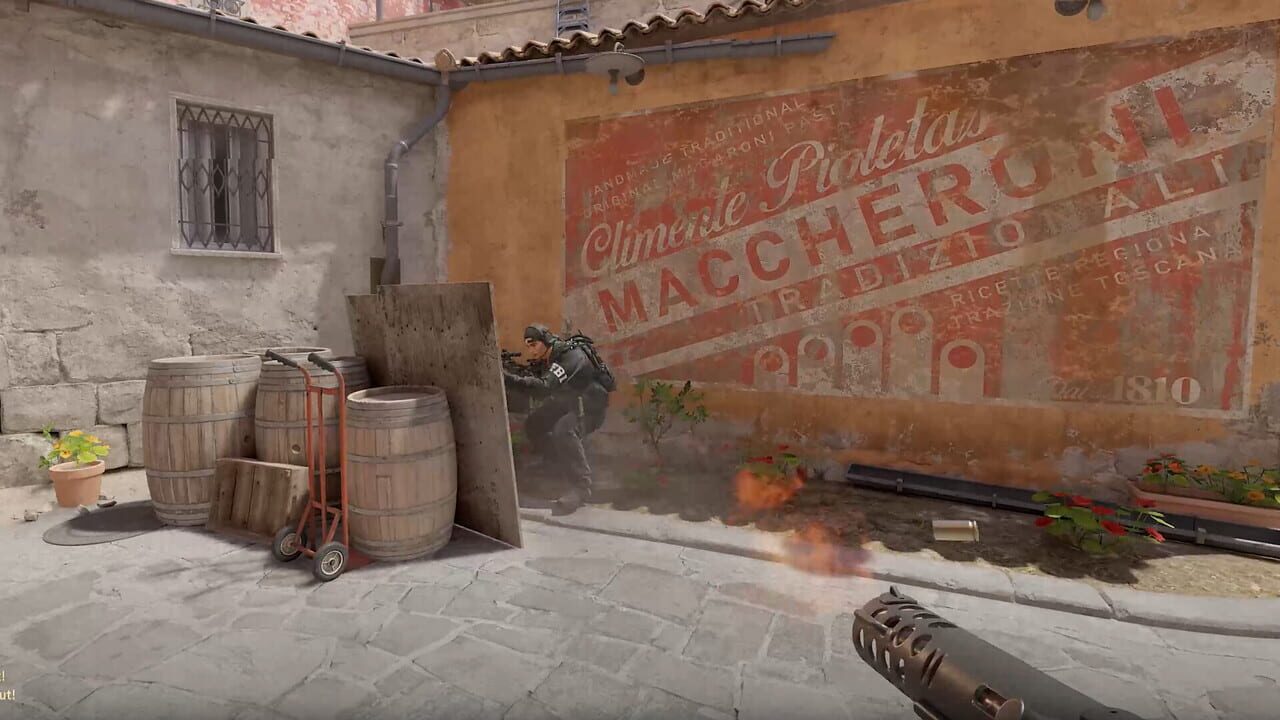
CS2 Beginner Guide 2026 — Crosshair Placement, Economy & Movement
Counter-Strike 2 is the most competitive FPS on the market, and for new players the jump from CS:GO can feel overwhelming. The good news: the core skills that separate beginners from experts are far simpler than they look. This guide covers the five pillars every Cs2 Beginner must master — crosshair placement, counter-strafing, economy, map awareness, and settings — with practical drills you can do today.
Core Mechanics — What Actually Matters
1. Crosshair Placement (Priority #1)
Always keep your crosshair at head level. This single habit will improve your aim more than any sensitivity change or practice routine. When you peek a corner, your crosshair should already be where the enemy’s head will appear. Never track the ground, never look at walls, and never drop your crosshair after a kill.
Why this matters in CS2: Valve introduced sub-tick architecture and slightly changed movement physics. Head-level crosshair placement is even more critical now because every millisecond of delay costs you the fight.
Daily practice drill (15 minutes):
- Launch Deathmatch from the main menu
- Turn off all HUD elements (type
cl_interpic 0in console) - Move to a corner, hold position, and pre-aim every angle at head height
- Do NOT chase kills — focus purely on keeping your crosshair on head level
2. Counter-Strafing
CS2 punishes moving while shooting harder than any previous iteration. If you are holding A and your crosshair lands on an enemy while still moving left, your bullets will spray wildly. You must stop completely before firing.
The technique:
- Hold D to move right
- Release D completely, then quickly tap A for one frame
- Your character stops instantly — fire at that exact moment
Common beginner mistake: Tapping the opposite key too early or too late. The tap must be crisp and timed perfectly with your shot. Practice by strafing back and forth in the Range, tapping opposite keys, and shooting only when you are completely stopped.
3. Spray Control
Every rifle has a unique recoil pattern that you can learn and control. The first burst of any rifle goes relatively accurate; after that the pattern diverges. Learning to pull your mouse in the correct direction is essential.
| Weapon | Pattern Shape | First 10 Bullets | Best Use |
|---|---|---|---|
| AK-47 | Up → Right → Left | Pull down, then slight right | Ranges 10-30m, one-tap headshots |
| M4A4 | Up → Slight right → Left | Pull down, slight right adjustment | Mid-range sprays, site holds |
| M4A1-S | Mostly vertical | Steady downward pull | Single-tap/short burst specialist |
| Galil AR | Up → Right → Left (wide) | Wide pull down + right drift | Force buy primary weapon |
| FAMAS | Up → Rapid right-left | Quick burst, avoid long sprays | Eco/force buy burst weapon |
Workshop map recommendation: Search “Recoil Master” in the Workshop. It shows your spray pattern visually and helps you memorize each rifle’s path.
Economy Guide
Money management wins rounds before the first shot is fired. Understanding when to buy, save, or force-buy is what separates gold players from legends.
Credit Sources
| Action | Cash Earned |
|---|---|
| Kill (rifle/SMG) | +300 |
| Kill (shotgun) | +900 |
| Kill (pistol) | +600 |
| Kill (knife) | +1,500 |
| Round win (T) | +3,250 |
| Round win (CT) | +3,500 |
| Round loss (streak bonus) | +1,400+ increasing |
| Bomb plant (T) | +300 individual |
| Bomb defuse (CT) | +300 individual |
Buy Types Explained
| Type | Amount | Strategy |
|---|---|---|
| Full Buy | $4,500+ | Rifle + Kevlar + Helmet + Utility (smoke, flash, molotov) |
| Eco | $2,000 or less | Save everything. Buy nothing this round. |
| Force Buy | $3,000-4,000 | Galil/FAMAS + Armor + 1-2 utility pieces |
| Half Buy | All-in or partial | SMG + Armor, or rifle + no armor, depending on situation |
| Anti-Eco | Varies | Shotguns (Nova/Mag-7) or Deagles vs. enemies with no armor |
Typical Round Flow (First 6 Rounds)
Round 1 (Pistol): Buy Kevlar and utility (at least one smoke and one flash). Skip the helmet — pistols kill helmets on headshots anyway, and the saved money matters.
Round 2 (won pistol): Full buy or near-full buy. Your opponent saved, so they likely have no armor. An SMG (MAC-10/MP9/UMP-45) with a helmet is devastating against unarmored opponents.
Round 2 (lost pistol): Two options: force-buy a Deagle + armor, or full eco. If your team has consistent fraggers, force-buy. If you need stability, save and go full eco.
Round 3: Depends on rounds won. Winner gets a strong buy; loser continues eco or attempts a force buy with remaining credits.
Best Maps for Beginners
| Map | Difficulty | Why Learn It First |
|---|---|---|
| Dust2 | ★★☆☆☆ | Symmetrical, simple callouts, teaches fundamental CT/T angles |
| Ancient | ★★★☆☆ | Clear bombsites, teaches rotational timing |
| Mirage | ★★★☆☆ | Most popular competitive map; learning callouts here is essential |
| Inferno | ★★★★☆ | Close-quarters heavy; teaches utility lineups for banana and kitchen |
| Nuke | ★★★★★ | Vertical map with two bombsites; too complex for absolute beginners |
Beginner roadmap: Start on Dust2 for 20 hours. Then Ancient for another 15. Once comfortable, pick up Mirage callouts. Skip Nuke until you understand both bombsites intuitively.
Best Settings for Beginners
Video Settings
| Setting | Recommendation | Reason |
|---|---|---|
| Resolution | 1280×960 (4:3) or Native | 4:3 stretches player models wider |
| Aspect Ratio | 4:3 Stretched | More horizontal visibility |
| Refresh Rate | Maximum available | Competitive servers run 128-tick or higher |
| Shadows | Low or Off | Removes visual clutter |
| Texture Detail | Medium | Cosmetic only, low saves GPU |
| Shader Detail | Low | Improves frame consistency |
| Boost Player Contrast | Enabled | Makes enemies pop against backgrounds |
Crosshair Settings (Pro-Inspired)
| Setting | Value | Why |
|---|---|---|
| Style | Classic Static | No dynamic expansion, clean look |
| Color | Green or Cyan | High contrast against most map backgrounds |
| Size | 2 | Small enough for precision, visible enough for tracking |
| Gap | -3 | Inner gap slightly negative keeps focus centered |
| Thickness | 0 | Thin lines don’t obstruct vision |
| Outline | 0 | Clean crosshair without border distraction |
| Alpha | 255 | Fully opaque at all times |
Audio Settings
- Enable Stereo Headphones mode (not Surround)
- Set EQ Preset to Crisp — boosts high frequencies for footstep clarity
- L/R Isolation at 50% — balanced stereo separation
- Perspective Correction On — improves directional audio accuracy
Movement Tips Beyond Counter-Strafing
Jump-peeking: Press space and A/D simultaneously to peek a corner while airborne. Enemies cannot shoot while you are in the air. Use sparingly — mistimed jumps make you an easy target.
Crouch-peeking: Rapidly crouch when crossing open spaces. An enemy cannot hit a crouching target above their crosshair. Combine with a quick counter-strafe to return fire.
Walk-tapping: Walk (hold shift) to approach an angle silently, then sprint out and tap 2-3 bullets. Enemies relying on audio cues will not expect movement.
Communication & Team Play
CS2 is a team game. Even solo queue benefits from basic callouts:
- Call enemy positions: “One mid,” “Two B site,” “Single A long”
- Call damage: “He’s at 40 HP,” “She’s full health”
- Call utility: “Smoke on connector,” “Flash on palace”
- Ask for help: “Need backup B,” “Can you trade me?”
Even one well-timed callout can win a round. Avoid toxic chat — it destroys team coordination and your own mental game.
Essential Console Commands
| Command | Purpose |
|---|---|
cl_radar_always_centered 1 | Keeps radar centered on your player |
hud_scaling 0.55 | Optimizes HUD size for competitive play |
viewmodel_offset_x 2.5 | Moves weapon model right for better visibility |
fps_max 0 | Removes FPS cap (set to your monitor refresh rate instead for consistency) |
sv_cheats 1 + bot_kick | Clear bots before practicing |
Access the console by enabling it in Settings → Game → Enable Developer Console (Yes).
FAQ
| Question | Answer |
|---|---|
| What is the best crosshair code for CS2 beginners? | Use a classic static green crosshair: size 2, gap -3, thickness 0, no outline, alpha 255. No external codes needed — enter manually in settings. |
| How long does it take a beginner to get good at CS2? | Expect 100-200 hours of focused practice to reach above-average skill. Crosshair placement and counter-strafing see results within the first 20 hours. |
| Is CS2 harder than CS:GO for beginners? | The core mechanics are identical. CS2’s sub-tick system and updated audio make positioning slightly more punishing, but the learning curve is similar. |
| Should I use 4:3 stretched resolution? | It is popular but not mandatory. Many pros use 16:9 native. Choose whichever lets you track enemies most comfortably. |
| What is the best first weapon to master? | The AK-47 for Terrorist or the M4A1-S for Counter-Terrorist. Both are cost-effective full-buy weapons with straightforward recoil patterns. |
| How do I stop losing money every round? | Track your team’s economy. Never buy into a losing streak without a plan. Eco rounds and force buys are strategic tools, not failures. |
Final Words
CS2 rewards patience, precision, and smart decision-making. Spend your first 50 hours mastering crosshair placement and counter-strafing. Everything else — spray control, economy, map knowledge — builds on those two pillars. Play consistently, review your deaths, and never stop learning.
Keep exploring
- Browse the full library — all MMOKB guides
Reviewed & verified
| Covers | Cs2 Beginner |
| Last verified | October 10, 2026 |
| Accuracy | The game’s own numbers and rules — they change with patches; check in-game for live values. |
Discussion
0 commentsNo comments yet. Be the first!