EVE Online Graphics Settings 2026: FPS Optimization Guide
Why Graphics Optimization Matters in EVE Online
EVE Online is one of the most demanding MMORPGs you will ever play. The game renders massive star systems with thousands of players, complex ship models, and detailed space environments. When you are flying into Jita or preparing for nullsec PvP, every frame counts. This guide shows you exactly how to optimize your EVE Online graphics settings for the best performance in 2026.
Understanding EVE Online’s Rendering Engine
EVE runs on a heavily modified version of CCP’s internal engine. Unlike many modern games, it does not use Unreal or Unity. The rendering pipeline handles:
- Massive asteroid fields with dynamic lighting
- Detailed ship hulls with multiple LOD levels
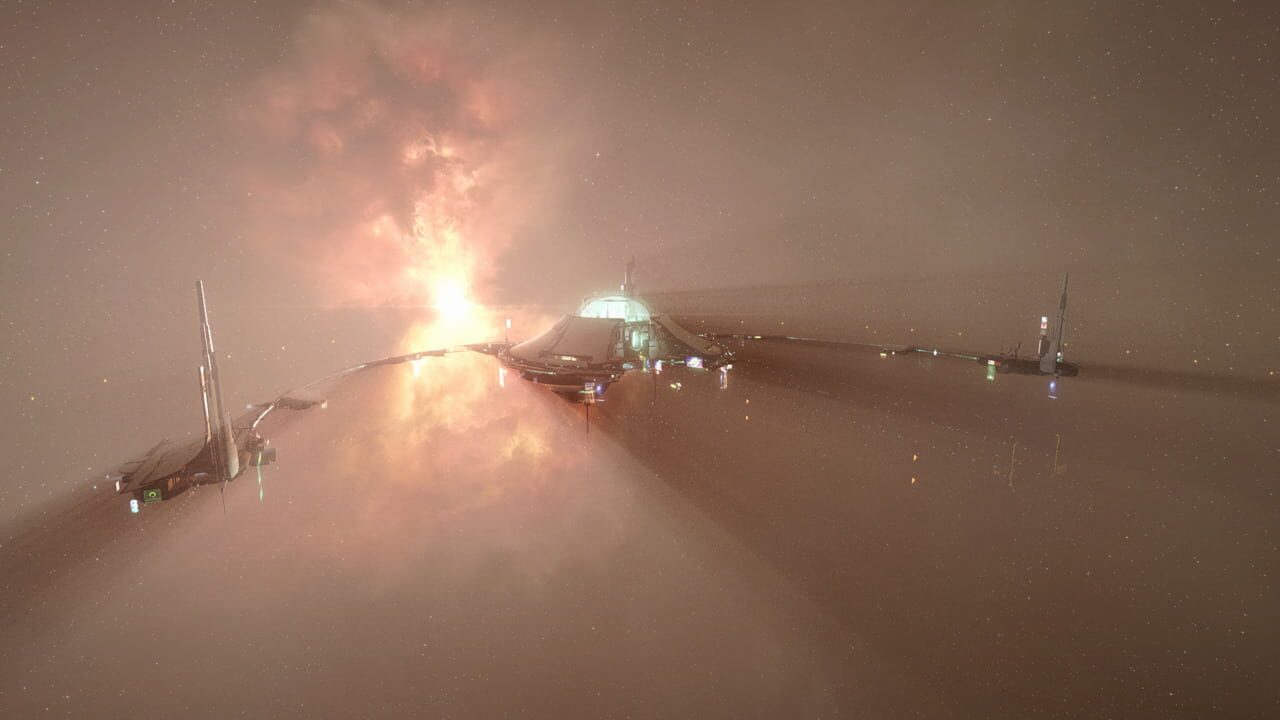
- Nebula effects and atmospheric scattering
- UI overlays with real-time data panels
- Player clusters with thousands of simultaneous objects
Knowing this helps you make informed decisions about which settings to adjust.
Graphics Settings Breakdown (2026)
| Setting | FPS Impact | Visual Change | Best For |
|---|---|---|---|
| Texture Quality | Medium | Sharpness | High VRAM cards |
| Shadow Quality | High | Depth perception | Competitive play |
| Anti-Aliasing | Low-Medium | Edge smoothness | General use |
| Post-Processing | Medium | HDR bloom effect | PvP focused |
| Render Distance | Very High | Visibility range | Exploration |
| Bloom Intensity | Low | Bright glow | Low-end systems |
| Particle Effects | Medium | Explosion detail | Combat heavy |
| Reflection Quality | Medium | Water/hull shine | Aesthetic play |
| View Distance | High | Distant object clarity | Long-range PvP |
| Fog Quality | Low | Atmospheric haze | Performance boost |
Step-by-Step Optimization Process
Step 1: Open Your Settings Menu
Press ESC during gameplay. Navigate to Settings, then Graphics. You will see a comprehensive list of options. Do not change everything at once. Test each setting individually to see its impact on your FPS.
Step 2: Set Baseline Performance
Before making changes, record your current FPS in these scenarios:
- Station overview screen
- Flying through low-traffic space
- Jumping between systems
- Busy system like Jita or Perimeter
Use the built-in FPS counter (press F12 to toggle). Note the numbers for comparison later.
Step 3: Apply These Settings for 2026
Based on community testing and performance benchmarks, here are the recommended settings:
For Competitive PvP (60+ FPS target):
- Texture Quality: Medium
- Shadow Quality: Low
- Anti-Aliasing: FXAA Off
- Post-Processing: Low
- Render Distance: 50%
- Bloom: Off
- Particle Effects: Medium
- View Distance: 75%
For Exploration and Scanning:
- Texture Quality: High
- Shadow Quality: Medium
- Anti-Aliasing: TAA
- Post-Processing: Medium
- Render Distance: 75%
- Bloom: Medium
- Particle Effects: High
- View Distance: 100%
For Industrial Play (Mining, Manufacturing):
- Texture Quality: High
- Shadow Quality: Medium
- Anti-Aliasing: FXAA
- Post-Processing: Low
- Render Distance: 60%
- Bloom: Off
- Particle Effects: Medium
- View Distance: 80%
Step 4: Advanced Tweaks
Beyond in-client settings, consider these improvements:
-
GPU Driver Updates: CCP regularly optimizes for new driver releases. Check NVIDIA and AMD websites monthly.
-
Windows Power Settings: Switch to High Performance mode. Disable hardware-accelerated GPU scheduling if you experience stuttering.
-
EVE Launcher Options: Add
-windowedto launch options for better multi-monitor setups. Use-renderdistto cap render distance if needed. -
Background Processes: Close browsers, Discord overlays, and other GPU-heavy applications before logging in.
-
SSD Installation: EVE streams textures constantly. An SSD reduces stuttering significantly compared to HDD.
Hardware Recommendations (2026)
| Tier | CPU | GPU | RAM | Expected FPS |
|---|---|---|---|---|
| Minimum | i5-8400 / Ryzen 5 2600 | GTX 1060 6GB | 8GB | 30-40 low settings |
| Recommended | i7-10700 / Ryzen 7 3700X | RTX 2060 Super | 16GB | 60+ medium settings |
| High-End | i9-12900K / Ryzen 9 5900X | RTX 3080 / RX 6800XT | 32GB | 100+ high settings |
| Competitive | i9-13900K / Ryzen 9 7950X | RTX 4080 / RX 7900 XTX | 32GB | 144+ high settings |
Common Problems and Solutions
Stuttering in Jita and Other Busy Systems
This is the most common complaint. Solutions:
- Lower particle effects to Low
- Reduce render distance to 40%
- Close all background applications
- Install on SSD if not already
- Lower texture quality to Medium
Low FPS During Space Battles
Large fleet fights stress GPUs. Try:
- Disable post-processing entirely
- Set shadows to Low or Off
- Reduce view distance
- Cap FPS to prevent thermal throttling
- Monitor GPU temperatures
UI Lag and Menu Sluggishness
This affects mouse clicks and typing speed:
- Lower UI scale to 100% or 125%
- Close unnecessary EVE windows
- Increase RAM allocation in launcher (if you have 16GB+)
- Disable EVE overlay features
Graphical Artifacts or Crashes
- Update GPU drivers completely (use DDU for clean install)
- Lower overall graphics settings temporarily
- Check for shader compilation updates after patches
- Verify game files through launcher
Tips from Top Players
Pro Pilots Share These Settings
Many nullsec pilots and tournament competitors use consistent setups:
- They prioritize visibility over aesthetics
- Shadows are always Low for spotting enemy fits
- Render distance is calibrated for their specific monitor setup
- Anti-aliasing is disabled to maximize FPS
- Textures are kept at Medium for fast loading
Esports-Level Optimization
For tournament play, players report these exact settings:
- Resolution: Native or 1440p (never 4K for competitive)
- Refresh Rate: 144Hz minimum
- All Graphics: Low to Medium
- Shadows: Off
- Bloom: Off
- Particles: Low
- View Distance: 60-70%
Streamers and Content Creators
If you stream EVE, balance between looks and performance:
- Keep textures High for viewer experience
- Lower shadows and particles for streaming overhead
- Use NVENC or x264 fast presets
- Monitor both game FPS and stream performance
FAQ: EVE Online Graphics Settings
Q: What are the minimum system requirements for EVE Online in 2026? A: 8GB RAM, GTX 1060 or equivalent GPU, i5 processor, and an SSD for acceptable performance.
Q: Can I play EVE Online on integrated graphics? A: Not recommended. Integrated GPUs struggle with EVE’s rendering demands. Expect 20-30 FPS at lowest settings.
Q: Does EVE support Vulkan API? A: No, EVE still uses DirectX 11. Vulkan support has been discussed but not implemented as of 2026.
Q: How much RAM should I allocate in the launcher? A: 4GB for 8GB systems, 6GB for 16GB systems, 8GB for 32GB systems. More is not always better.
Q: Should I disable Windows Game Mode? A: No, keep it enabled. It helps prioritize EVE’s process for better frame consistency.
Q: Does resolution affect performance significantly? A: Yes. Dropping from 4K to 1440p can double your FPS. 1080p is the sweet spot for low-end systems.
Q: Can I customize shader quality? A: No separate shader slider exists. Shader compilation happens at runtime and cannot be manually adjusted.
Q: What causes texture pop-in and how do I fix it? A: Insufficient VRAM or slow storage. Upgrade to SSD and ensure 6GB+ VRAM for High textures.
Final Recommendations
Optimizing EVE Online graphics is a balancing act. Find your sweet spot between visual quality and smooth performance. Remember that different activities require different settings. Keep PvP settings separate from exploration presets.
Update your drivers regularly, monitor temperatures, and adjust settings after major game patches. The community continuously shares new optimization techniques, so stay engaged with forums and discord servers for 2026 updates.
Keep exploring
- EVE Online on MMOKB — the EVE Online game hub has the full knowledge base, tools and guides.
- Read the EVE Online knowledge base — Fragger Role, Tank Role, Dps Role, Skill Training, The Industry.
- Use the EVE Online tools — Industry Calc.
- More EVE Online guides — EVE Online Alpha Mining 2026: Best Starter Ships & Fits, Eve Online Guide (beginner/2026), EVE Online Farming Builds 2026: Max ISK Guide, Eve Online Combat Guide: Ship Fitting & Tactics (2026), Eve Online Controller Guide 2026, EVE Online Cradle of War Guide: 8 Ships, Exordium & Military.
- Browse the full library — all MMOKB guides
Reviewed & verified
| Covers | eve-online |
| Last verified | November 4, 2026 |
| Accuracy | The game’s own numbers and rules — they change with patches; check in-game for live values. |
Discussion
0 commentsNo comments yet. Be the first!