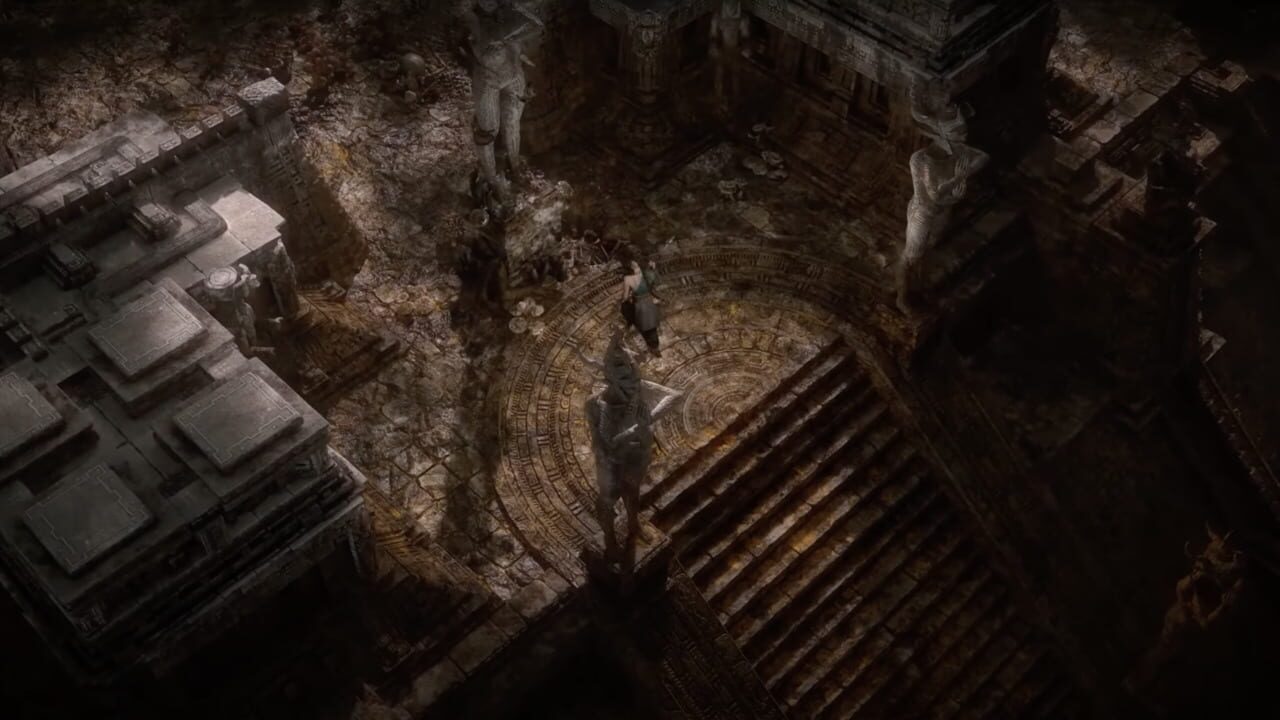
Path Of Exile 2 Skills Guide
Hey there, exile! Welcome to this Path of Exile 2 Skills Guide — your no-BS handbook for surviving the streets of Wraeclast and beyond in path-of-exile-2. Whether you’re fresh off the boat or you’ve been grinding leagues since day one, this guide breaks down how skills work so you can stop picking up random gems off the ground and actually build something that hurts.
Core Mechanics
| Mechanic | What It Means | Why It Matters |
|---|---|---|
| Active Skill Gems | Skills you engrave from Uncut Skill Gems and equip to your skill slots, then bind to keys | These are your bread and butter — fireballs, slashes, summons, whatever your build calls for |
| Socketing & Support | Support gems socket directly into each skill gem, each with an attribute requirement | Unsupported skills are a fraction of their potential; filling support sockets is where the magic happens |
| Support Gems | Gems that modify a skill’s behavior (more damage, faster casts, chain attacks) | A single well-chosen support gem can completely change how a skill plays |
| Skill Levels | Every skill gem has a level (1–20) — higher levels cost more Mana and deal more | Level your main skill with Uncut Skill Gems; don’t waste them on skills you never use |
| Mana Cost | Spell and attack skills draw from your Mana pool (persistent skills reserve Spirit) | Run out = dead. Build enough Mana regen or gear around it |
| Cast Time / Attack Speed / Cast Speed | Different skill types fire at different rates | Supports like Faster Casting or Haste shift these numbers and can make weak skills viable |
| Area Skills vs. Spells vs. Attacks | Skills are divided into categories that interact differently with modifiers | Certain passives and supports only apply to one category, so pick carefully |
| Spirit | Reserved resource that keeps auras, buffs and persistent skills active | More Spirit = more persistent skills running at once; it is separate from Mana |
Step-by-Step: Getting Skills Online
Step 1 — Find Your First Uncut Skill Gem
Skill gems start as Uncut Skill Gems that drop from monsters, chests, and quest rewards everywhere in the world. The tier of the uncut gem determines what skills (and levels) you can engrave from it, with names like Fireball, Lightning Bolt, Spark, or class-specific options.
Tip: Don’t hoard every uncut gem you find. Check the level first. If it covers a skill you actually use, engrave it — if it’s some random utility nobody uses, it’s still useful for leveling a different skill up.
Step 2 — Engrave and Equip It
Open the Gemcutting menu and engrave your Uncut Skill Gem into a finished skill gem, then equip it to an open slot in the Skills panel (you have nine skill slots). Your character will now display the skill in their hotbar — but it will not reach its potential until you socket support gems into it.
Step 3 — Link Support Gems
This is where most beginners stall out. Support gems socket directly into the skill gem itself, and each one has an attribute requirement your character must meet. Open the skill, pick an empty support socket, and choose a support. Common first-support choices:
- Added Fire Damage — attacks gain fire damage at the cost of cold and lightning
- Nova Projectiles — fires extra projectiles in a spread; massive for DPS
- Cast when Damage Taken — a meta gem that triggers socketed spells when you take damage
- Magnified Area — bigger area of effect; clear packs faster, survive longer
Step 4 — Level Up Your Gems
Gem levels go from 1 to 20. As your character levels, revisit your key skills and level them up with higher-tier Uncut Skill Gems in the Gemcutting menu — the same currency you used to create them. Leveling costs scale with the gem level, so budget accordingly.
Pro move: Uncut Support Gems level your supports the same way. A +1 to gem level on your main skill is one of the biggest damage multipliers in the game — always spend the uncut gem on your primary skill first.
Step 5 — Bind to Keys
Hit Escape → Controls → Skills and assign your main rotation keys. At minimum, you want:
- Left-click — move, or use your primary attack/spell
- Right-click / QWER / 1–4 — your secondary spells, skills, and utility
- Dodge roll — bound under Controls (learn to use it constantly; it’s the core defensive tool)
Don’t overcomplicate binding at first. Two or three skills you actually rotate through is better than seven unmaintained ones.
Tips for Building Better Skills
-
Commit to one skill early. Don’t spread yourself across five mediocre builds. Pick a core skill (Flicker Strike for melee, Fireball for casters, Lightning Arrow for bows, etc.) and throw everything at making it sing.
-
Mind your Mana bar like it owes you money. A skill you can’t afford is a skill you can’t use. Stack flat Mana, Mana regeneration, and reduce Mana reserved on key passives.
-
Quality matters. Every gem has a 0–20% quality slider. Higher quality on damage gems = more damage. Higher quality on support gems = stronger effects. Craft it when you can.
-
Don’t sleep on life leech from attacks. If your build involves physical or elemental attacks, the life leech passive path is always worth a look. Keeps you alive without gear investment.
-
Use the right support for the job, not the one that looks flashiest. A curse support like Despair is a solid addition to most damage setups — it’s boring but effective. Save the expensive, niche supports for endgame content.
-
Save your Uncut Skill Gems. Uncut gems create and level skills and supports, so they’re always useful. Once you know your main skill, spend the big uncut gems on leveling it rather than creating side skills you’ll replace.
-
Balance offense with utility. A skill that summons spirits, blinds enemies, or creates terrain control might not have the highest DPS, but it often carries you through content your glass cannon can’t handle.
-
Re-roll supports that don’t synergize. If a support gem link isn’t helping (e.g., casting speed on a skill that already fires instantly), reroll it. Bad links are worse than no links in tight build slots.
-
Watch your gem level caps. Some skills hit a wall at level 20 unless you push past with quality or external buffs. Know what your ceiling is before investing heavily.
-
Use the Passive Tree strategically. The path is huge. Don’t just march straight for your skill node — pick up Mana, Life, and resistances along the way. A dead character with big numbers deals zero damage.
Related Guides
FAQ
Q: Do I need to socket my skill gem before I can use it?
A: Yes. Skills must be equipped to a slot in the Skills panel (nine slots by default). A gem sitting in your inventory does absolutely nothing. Engrave it, equip it, socket a support, and you’re in business.
Q: Can I remove a support gem from a skill?
A: Yes. Support gems can be swapped out of a skill’s support sockets freely — take one off and it returns to your inventory ready to use elsewhere. Plan your layout, but never worry about losing a support by rearranging.
Q: Do all skill types use Mana, or is there another resource?
A: It depends on the skill. Most spells and attacks drain Mana. Persistent skills — auras, buffs, and meta gems like Cast when Damage Taken — reserve Spirit instead, which is a separate stat granted by gear and certain passives. Check each skill’s description — it will say which resource it uses.
Q: How important are support gems compared to the skill gem itself?
A: Equally important. A level 20 Fireball with a bad support setup will underperform a level 15 Fireball with a strong Added Fire Damage + Faster Casting + Magnified Area cluster. Invest in both sides.
Good luck out there, exile. May your sockets be full and your crits frequent. See you on the streets of Wraeclast. 🎮⚔️
Keep exploring
- Path of Exile 2 on MMOKB — the Path of Exile 2 game hub has the full knowledge base, tools and guides.
- Read the Path of Exile 2 knowledge base — Class System, Ascendancy System, Huntress, Witch, Currency System.
- Use the Path of Exile 2 tools — Currency Flip, League Starter.
- More Path of Exile 2 guides — Path of Exile 2 Achievements Guide: Tips & Rewards (2026), Path of Exile 2 Advanced Strategies Guide 2026: Builds, Bosses &, Path of Exile 2 Beginner Guide 2026: Start Strong in Wraeclast, Path of Exile 2 Builds, Farming & Tips: Proven Guide (2026 Proof), Path of Exile 2 Builds 2026: Class Frameworks, Path of Exile 2 Best Classes Tier List 2026: Pick Yours & Dominate.
- Browse the full library — all MMOKB guides
Reviewed & verified
| Covers | path-of-exile-2 |
| Last verified | November 4, 2026 |
| Accuracy | The game’s own numbers and rules — they change with patches; check in-game for live values. |
Discussion
0 commentsNo comments yet. Be the first!