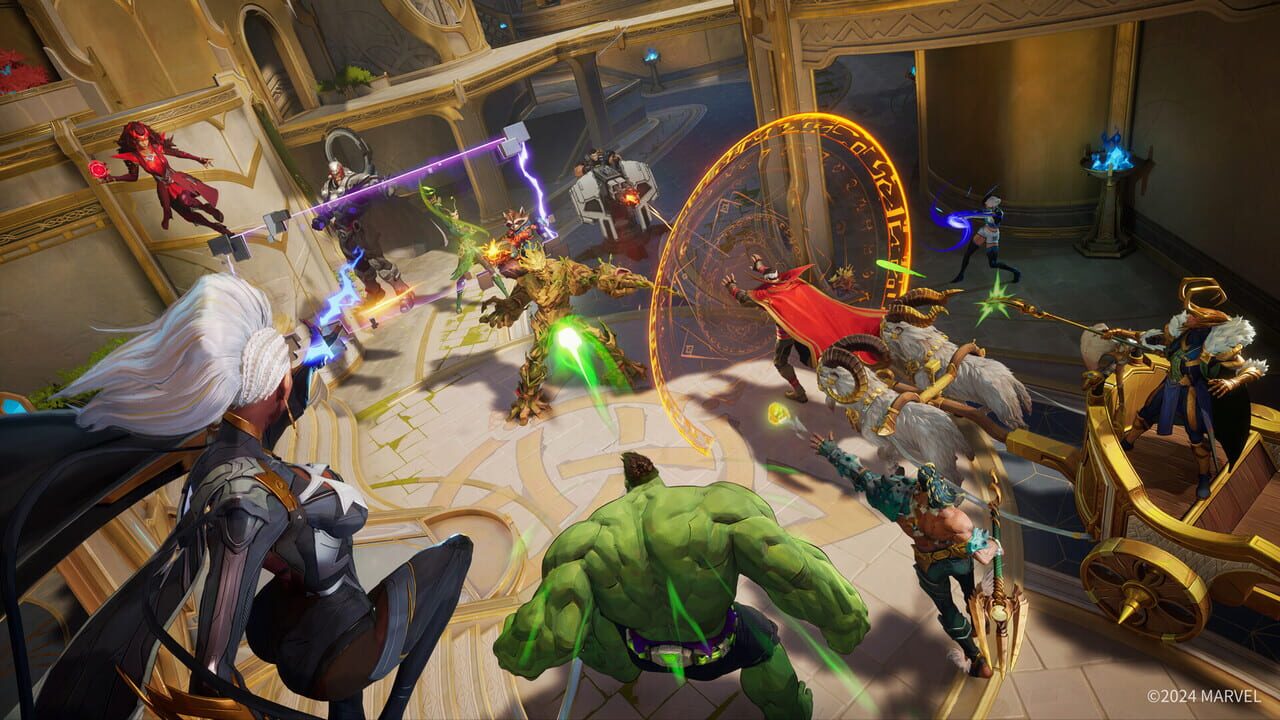
Marvel Rivals Quests: Complete Guide
Intro
Welcome to the ultimate Marvel Rivals Quests guide! If you’re jumping into the battlefield, this guide will help you navigate every quest system available. Marvel Rivals is NetEase’s fast-paced 6v6 superhero team shooter, and quests are your main ticket to earning rewards like hero unlocks, cosmetics, currency, and XP boosts. This guide breaks down exactly how quests work, how to track them, and how to clear them efficiently so you’re always leveling up in the right direction. Let’s get you through every daily, weekly, and seasonal challenge without wasting a single minute.
Core Mechanics
| Quest Type | Description | Availability | Reward Example |
|---|---|---|---|
| Daily Quests | Short-term objectives reset every 24 hours | Always active | Battle Coins, XP Boosts |
| Weekly Quests | Larger goals with a weekly reset timer | Unlocks at Level 10 | Hero tokens, Skins |
| Seasonal Quests | Tie into the current season’s theme and events | Active only during that season | Exclusive cosmetics, Banner frames |
| Hero Progression Quests | Unlock specific heroes through milestones | Always available | New heroes |
| Battle Pass Quests | Objectives tied to your Battle Pass track | Active each season | Battle Pass XP, exclusive rewards |
Step-by-Step
Step 1: Accessing the Quest Menu
Open your main menu and head to the “Quests” tab. This is usually accessible from the home screen or the lobby before entering a match. The Quest menu is your command center — it shows all active quests with progress bars, time remaining, and clear descriptions of what you need to do.
Step 2: Understanding Quest Requirements
Every quest has a specific objective and a target number. For example, a Daily might say “Win 3 matches in Objective mode” and show progress as 0/3. Read carefully — some quests specify mode, hero type, or map condition. A quest saying “Deal 50,000 damage” is different from “Get 10 eliminations,” even though both involve combat.
Step 3: Prioritizing Your Quests
Not all quests are created equal. Here’s how to prioritize:
- Check the deadline. Weekly and Seasonal quests expire — always finish those first.
- Look at reward value. Quests offering hero tokens or rare cosmetics should be tackled before low-value ones.
- Match quest type to your playstyle. If you’re good at playing support, complete support-oriented quests quickly. Don’t force a tank quest if you’re not comfortable in that role.
Step 4: Tracking Progress Efficiently
Some quests track automatically and silently in the background. Others only update when you complete an action. If a quest doesn’t seem to be updating, try leaving the match and re-entering, or check back after switching queues. Quest progress is saved per session, so closing the game won’t reset incomplete progress — but it may not refresh in real-time until you’re in a fresh match.
Step 5: Completing Hero Progression Quests
If you’re working toward unlocking a new hero, pay attention to the specific milestone. These quests often involve completing a chain of smaller tasks, such as:
- Playing X matches as a certain hero role
- Achieving a specific number of team fights or heals
- Winning matches in certain modes
Read the full chain before starting. Some heroes require dozens of steps across multiple quest categories.
Step 6: Claiming Your Rewards
Once a quest is complete, the claim button becomes available. Make sure to claim every reward — unclaimed rewards can sometimes be missed if the quest resets. Head to the Quests tab daily to sweep up completed objectives. There’s no auto-claim system in Marvel Rivals, so manual claiming is required.
Step 7: Seasonal Quest Events
During special events (like MCU-themed seasons), new quest lines appear. These often feature narrative-driven challenges, exclusive rewards, and limited-time objectives. They may include:
- Playing specific character matchups
- Achieving objectives on themed maps
- Collecting event currency through regular play
These are time-limited, so make them your priority during the event window.
Tips
Tip 1: Stack Quests That Overlap
The smartest players complete quests simultaneously. If you have a Daily that says “Play 5 Objective matches” and a Weekly that says “Win 3 Objective matches,” every win counts toward both. Always check for overlapping objectives before queuing up.
Tip 2: Play to Your Strengths First
If you have a quest requiring eliminations and you’re best at DPS, play Damage角色的 matches rather than forcing yourself into a Support role. Speed matters — don’t sacrifice your comfort zone for a harder completion path.
Tip 3: Save Battle Pass XP Boosts
If you earn XP Boosts from quests, hold onto them during high-volume grinding sessions. Don’t burn them on casual plays. Use them when you’re actively farming Battle Pass XP or completing multiple quests in one sitting.
Tip 4: Check the Quest Board Before Every Match
Make it a habit to scan your active quests before queuing. This helps you pick the right mode, the right hero, and the right strategy for what needs to be completed. A 30-second check can save you from wasting an hour on the wrong quest path.
Tip 5: Seasonal Quests Require Focus
Seasonal quests often carry the best rewards but have the tightest deadlines. Block out dedicated playtime during active seasons. Missing a seasonal quest means waiting a full season cycle for another chance — don’t let those slip by.
Tip 6: Complete Daily Quests Before the Reset
Daily quests reset on a fixed schedule. Set a reminder or play your dailies at the same time each day so they become a routine. Missing a daily is losing free progress with no recovery window.
Tip 7: Use the Practice Range for Skill-Based Quests
If you have a quest requiring a certain number of abilities used or hits landed, the practice range can help you build muscle memory. While you can’t complete quest objectives in the practice range, improving your skill there translates directly to faster quest completion in live matches.
FAQ
Q1: Can I complete quest objectives in custom or private matches?
No. Quest objectives in Marvel Rivals only count toward progress in public matchmaking and official game modes. Custom lobbies and private matches do not contribute to any quest tracking system. Stick to public queues if you need to complete time-sensitive objectives.
Q2: What happens if I miss a Daily or Weekly quest deadline?
Uncompleted daily quests simply reset — you lose that day’s rewards and start fresh. Weekly quests that expire will vanish from your active list, and their rewards become unavailable until the next reset cycle. Seasonal quests are the most punitive to miss, as they may not return until the following season. Plan your play sessions around these deadlines.
Q3: Do quest rewards carry over between seasons?
Battle Pass quests and Seasonal quests reset each season. Any unclaimed rewards from expired seasonal quests are typically lost — check the season-end announcements for any carry-over provisions. Daily and Weekly quest rewards are not seasonal and continue normally regardless of season changes.
Q4: Is there a quest tracker or notification system in Marvel Rivals?
Marvel Rivals includes an in-game quest log that displays progress bars and timers for all active quests. There is no external notification system that alerts you when a quest is nearly complete, so make it a daily habit to check the Quest tab manually. The in-game log is your primary tracking tool — use it frequently throughout your play session.
Keep exploring
- Marvel Rivals on MMOKB — the Marvel Rivals game hub has the full knowledge base, tools and guides.
- Read the Marvel Rivals knowledge base — Vanguard, Duelist, Strategist, Roster.
- More Marvel Rivals guides — Marvel Rivals Achievements: 2026 Step-by-Step Completion Guide, Marvel Rivals Advanced Strategies Guide, Marvel Rivals Builds & Farming Guide 2026, Marvel Rivals Best Builds, Marvel Rivals Boss Guide 2026: Proven Strategies, Marvel Rivals Combat Guide 2026: 5 Pro Tips for Dominating.
- Browse the full library — all MMOKB guides
Reviewed & verified
| Covers | marvel-rivals |
| Last verified | November 4, 2026 |
| Accuracy | The game’s own numbers and rules — they change with patches; check in-game for live values. |
Discussion
0 commentsNo comments yet. Be the first!