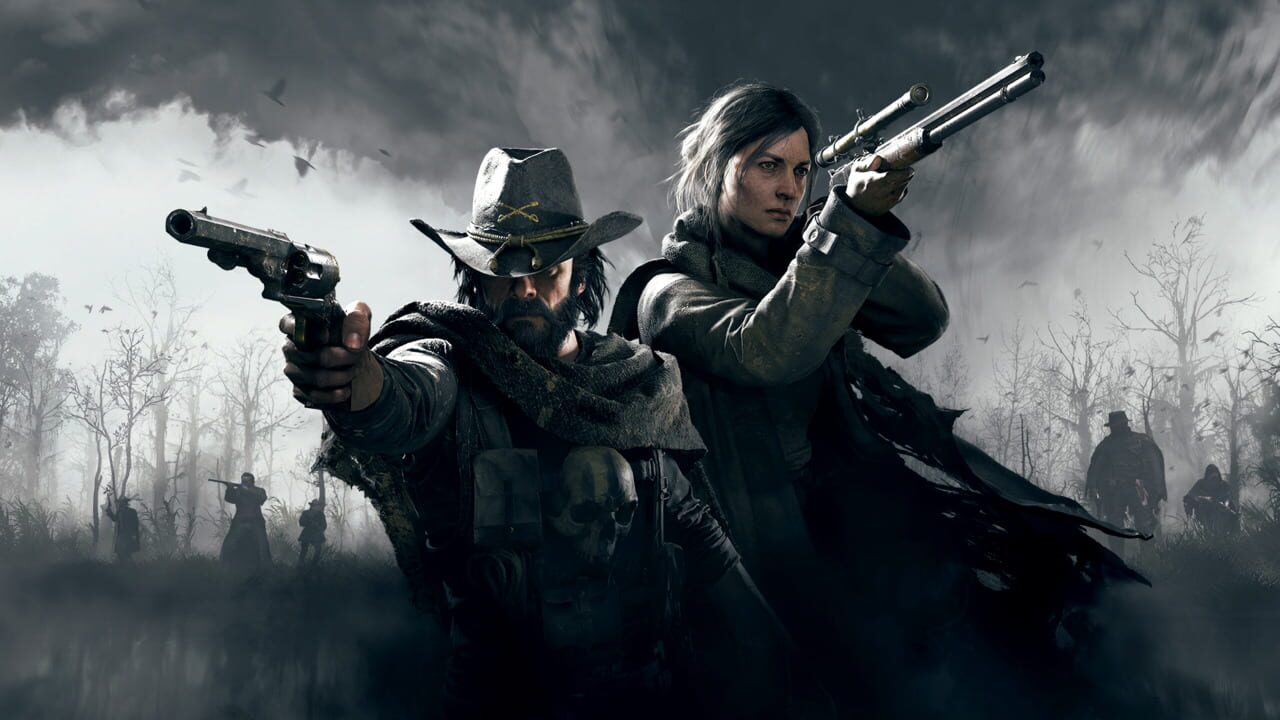
Hunt Showdown Controller Settings 2026: Best Deadzones & Builds
You want to dominate the Louisiana bayou on a controller? You came to the right place. Hunt Showdown is no casual shooter — it’s a tense, PvPvE extraction experience where sound is your best friend and every bullet counts. If you’ve been running and gunning with a mouse and keyboard or you’re making the switch to a gamepad for more relaxed sessions, this guide covers exactly what you need. Let’s get your controller dialed in.
Core Mechanics
| Controller Feature | Default Behavior | Notes |
|---|---|---|
| Left Stick | Movement (walk, sprint, crouch, prone) | Analog control; sensitivity adjustable |
| Right Stick | Camera/Aim | Standard FPS stick with adjustable deadzone |
| LT / L2 | Aim Down Sights (ADS) | Hold for ADS; triggers offer granular pressure |
| RT / R2 | Fire weapon | Trigger pull; can be remapped |
| LB / L1 | Reload | Context-sensitive reload action |
| RB / R1 | Switch weapon | Cycles through equipped weapon slots |
| Left Bumpers (X/D-pad left) | Interact / Use item | Varies by context |
| Right Bumpers (A/Cross) | Confirm / Equip selected item | Menu navigation |
| D-Pad Up | Primary Tool | Slot 1 — grenades, bait, etc. |
| D-Pad Down | Secondary Tool | Slot 2 — flares, smoke, etc. |
| D-Pad Left | Quick Scope / Zoom | Instant scope toggle on scoped weapons |
| D-Pad Right | Voice Comms (when enabled) | Quick taunts and comms |
| Vibration / Haptics | Feedback on damage, reloads, discoveries | Adjustable in settings |
Step-by-Step Setup
Step 1 — Connect Your Controller
Plug in or pair your controller and you’re off. On PC, plug-and-play support means USB or Bluetooth connections work out of the box. Start Hunt Showdown and the HUD will shift to a controller layout confirming the game picked up your input device. If it doesn’t switch, check your platform settings and ensure the controller is set as the primary input method.
Step 2 — Navigate to Controls Settings
Once you’re in-game, open the Options menu by pressing the corresponding button (typically Esc on PC or the Start/Menu button on console). Scroll down to the Controls section. Hunt Showdown lets you customize nearly every action so don’t be afraid to experiment. The default layout is solid for most players but fine-tuning it to your playstyle can make a real difference in high-stakes encounters.
Step 3 — Adjust Aim Sensitivity
Aim sensitivity is critical in Hunt Showdown because tracking moving targets at range and quick-scanning for enemies at close range are both essential skills. Head to the Sensitivity submenu within Controls. Here you can adjust:
- Look Sensitivity — How fast your camera moves when you tilt the right stick.
- ADS Sensitivity — Separate sensitivity when aiming down sights. Many players prefer a lower ADS sensitivity for precision shots with rifles and shotguns.
- Aim Down Sight Speed — Controls how quickly you transition from hip-fire to ADS. Faster transition means faster reaction time but less stability; find your balance.
Start with moderate values and adjust incrementally. A good test is tracking a moving object at varying distances until it feels natural. Too fast and you’ll overshoot; too slow and you’ll miss opportunities.
Step 4 — Configure Deadzone Settings
Deadzone determines how much stick movement is required before the game registers input. This is especially important for analog sticks which can sometimes drift. In the Controls menu find the Deadzone settings:
- Left Stick Deadzone — Affects movement. A higher value means you have to push the stick further before your character moves. Set this just high enough to eliminate drift without making movement feel unresponsive.
- Right Stick Deadzone — Affects aiming. Set it low enough for precise aim but high enough to prevent accidental micro-movements.
Many competitive players prefer minimal deadzones for maximum responsiveness but if your controller has stick drift you may need to increase these values. Test in a controlled environment before taking these settings into a live match.
Step 5 — Customize Button Bindings
This is where you make the controller truly yours. The Button Mapping section allows you to reassign any action to any button. Consider these popular configurations:
- Swap Reload and Interact — Some players find it more natural to reload with the left bumper and interact with a face button.
- Toggle vs. Hold ADS — In the Advanced Settings you can switch between holding the trigger for ADS or toggling it. Toggle mode lets you lock your aim without fatiguing your finger during extended engagements.
- Map Quick-Use Items — Bind frequently used items like health kits or ammo to accessible buttons so you don’t have to cycle through menus during a firefight.
Some actions are context-sensitive (like interacting with objects or opening containers) so not every button can be bound to every function. The game will indicate which actions are available for remapping.
Step 6 — Enable and Adjust Vibration
Vibration feedback can provide useful information during matches. When you’re hit the controller vibrates to signal damage. Reloading, discovering new areas, and certain tool activations also trigger haptic feedback. Head to the Audio & Visual settings to adjust vibration intensity. If you find vibrations distracting during intense moments turn them off entirely. Some players keep them on for the extra situational awareness they provide.
Step 7 — Save and Test
After configuring your bindings and sensitivity save your settings and jump into a practice or casual match to test everything out. Pay attention to how quickly you can ADS and fire, whether your reloads feel natural, if movement controls respond intuitively, and whether your tool selections are easily accessible. Tweak as needed. There’s no one-size-fits-all configuration and it may take a few matches to find your sweet spot.
Pro Tips for Controller Players
Learn the Sound Cues: Hunt Showdown is incredibly audio-reliant. With a controller you lose some of the precise mouse aim but you gain the advantage of trigger-based ADS. Use vibration feedback combined with audio cues to orient yourself. When you hear footsteps or a shotgun blast your controller vibration can help pinpoint the direction of the threat.
Use Toggle ADS for Close-Quarter Combat: In tight bayou areas and inside buildings having toggle ADS instead of hold-to-ADS can be a huge advantage. You can quickly peek and snap to targets without holding a button down preserving your thumb stamina during long sessions.
Practice Recoil Control on the Trigger: The LT/L2 trigger for firing gives you analog control over trigger pull speed. Practice pulling the trigger smoothly rather than jerking it. For weapons with heavy recoil like the double-barrel shotgun or the lever-action rifle a controlled trigger pull makes a noticeable difference in follow-up shots.
Prioritize the Right Stick for Scanning: Since movement is on the left stick dedicate your right stick to scanning the environment. Sweep corners check window sightlines and constantly rotate your view. Good positioning and awareness matter more than raw aim in this game. Rotate slowly and deliberately — you never know when an enemy hunter might be lurking just beyond the next cypress tree.
Use the Terrain to Your Advantage: The Louisiana bayou is your ally. Use tall grass, buildings, and elevation changes to mask your approach. Sound carries far in Hunt Showdown so moving through brush and water keeps you quieter than sprinting across open ground. Listen for enemy footsteps before you push — your controller can help filter out ambient noise.
Stockpile Supplies Before Big Hunts: Don’t enter a match without proper provisions. Stock up on health kits, ammunition, and essential tools like bait and decoys. Every tool you bring to the bayou can mean the difference between a successful extraction and leaving empty-handed.
Master the Bounty System: Understanding bounty rewards and CLVM points helps you prioritize targets. Focus on high-value bounties that accelerate your progression. Know when to push a fight and when to退 (retreat) — controller players should be especially aware of their engagement range limitations.
Practice with Different Weapons: Each weapon has unique handling on controller. Shotguns require different deadzone and sensitivity settings than rifles. Spend time in the range or casual matches with different loadouts to find what feels most natural for your playstyle.
Related Guides
- Hunt Showdown Ui And Settings Guide
- Hunt Showdown Group Play Guide
FAQ
What are the best deadzone settings for Hunt Showdown on controller?
Set your right stick deadzone as low as possible without stick drift registering. A value of 0.05 to 0.10 on the right stick is ideal for competitive play. Left stick can run slightly higher at 0.10 to 0.15 to prevent accidental movement from drift.
Should I use hold ADS or toggle ADS in Hunt Showdown?
Toggle ADS is generally recommended for Hunt Showdown. It allows you to maintain aim without holding down a button, which reduces thumb fatigue during long sessions and lets you reposition while scoped in. Hold ADS can work for players who prefer constant aim-down-sights awareness.
Is Hunt Showdown harder on controller than mouse and keyboard?
Hunt Showdown is challenging on any input. Controller players rely more on sound cues, positioning, and trigger control rather than pixel-perfect mouse accuracy. Many professional players compete successfully on controller by leveraging these advantages and optimizing their settings.
Can I use a PlayStation controller on PC for Hunt Showdown?
Yes. Hunt Showdown supports PlayStation controllers on PC via USB or Bluetooth. The game automatically detects the controller and switches to a controller-friendly UI. DualSense and DualShock 4 controllers both work without additional software.
Weapon Loadout Recommendations
| Loadout Type | Primary Weapon | Secondary | Tools |
|---|---|---|---|
| Aggressive Push | Pump Shotgun | SMG | Bait, Flashbang |
| Long Range Control | Bolt-Action Rifle | Pistol | Smoke, Decoy |
| Balanced Hunter | Lever-Action Rifle | Shotgun | Bait, Health Kit |
| Stealth Approach | Suppressed Rifle | Knife | Smoke, Decoy |
Every match in Hunt Showdown demands careful planning and smart decision-making. Master your controller settings, learn the audio landscape of the bayou, and you’ll be extracting bounties like a seasoned hunter in no time. Good luck out there, partner.
Keep exploring
- Hunt: Showdown on MMOKB — the Hunt: Showdown game hub has the full knowledge base, tools and guides.
- Read the Hunt: Showdown knowledge base — Maps, Bounties, Economy, Loadout.
- More Hunt: Showdown guides — Hunt Showdown Tips: 8 Proven Tactics (2025), Hunt Showdown Beginner Guide 2026, Hunt Showdown Builds & Farming: Your 2026 Extraction Guide to C$, Your Hunt-Showdown Roles: 2026 Best Tier List Guide, Hunt Showdown Creature Guide 2026: Alligators, Scorpions & Spiders, Hunt Showdown Combat Guide: 2026 Builds & Tactics.
- Browse the full library — all MMOKB guides
Reviewed & verified
| Covers | hunt-showdown |
| Last verified | October 8, 2026 |
| Accuracy | The game’s own numbers and rules — they change with patches; check in-game for live values. |
Discussion
0 commentsNo comments yet. Be the first!