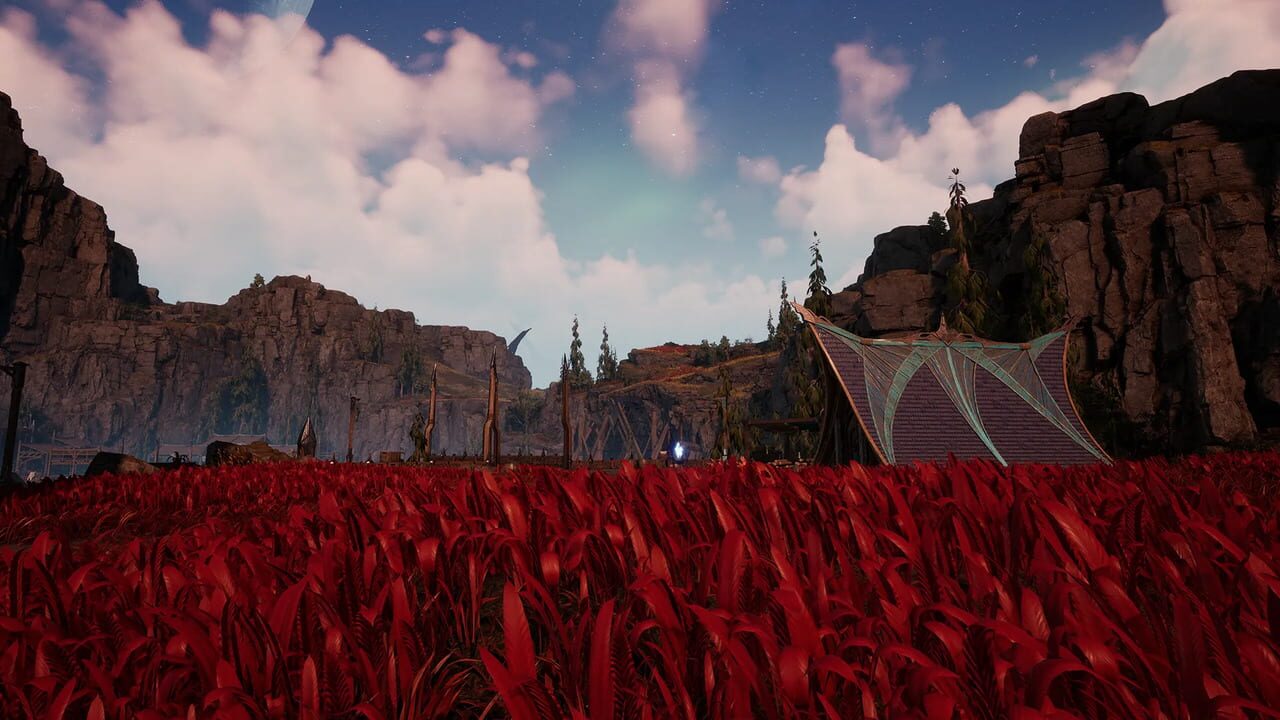
The Game
Aion 2 is NCSoft’s MMORPG sequel set in the war-torn world between the Asmodians and Elyos factions. Live on PC since late 2025, the game blends action combat with aerial traversal, class-based skill rotations, and evolving endgame content including Vakron’s Sky Island and seasonal Battle Pass challenges. The core combat loop centers on building Spirit Energy through repeated attacks, which empowers your Ultimate skill and opens windows for high-impact bursts. Understanding this resource rhythm is essential before you optimize your hotkey layout.
Intro
Hey there, Deva! If you’re reading this Aion 2 Hotkey & Macro Guide, you’re probably looking to tighten up your gameplay. Setting up macros and hotkeys is one of the best ways to climb out of button-mashing purgatory and into smooth, efficient play. In Aion 2, your combat, movement, and utility abilities all need to fire at the right moment — and your fingers are only so fast. That’s where smart keybinding and macro planning come in. This guide walks you through everything you need to know about getting your Aion 2 controls dialed in, from basic hotkey layouts to advanced macro combos. Let’s make your character move like a well-oiled machine.
Core Mechanics
| Mechanic | Description |
|---|---|
| Hotkey Bars | Customizable rows of action slots that let you assign abilities, skills, potions, and commands to specific keys. |
| Macro System | Chains multiple actions together under one hotkey, letting you trigger sequences with a single press. |
| Key Bind Slots | Individual memory slots that store your custom hotkey configurations for quick swapping between roles. |
| Combat Priority | When multiple skills share cooldown windows, macro ordering determines which fires first and avoids wasted casts. |
| UI Customization | Aion 2 offers interface adjustments that affect how you read your hotkey layout during combat. |
| Cooldown Management | Tracking skill timers and sequencing macros around them is essential for maintaining DPS or survivability in endgame content. |
| Spirit Energy | The core resource built through attacking; reaching full charge unlocks your Ultimate, making hotkey timing critical. |
| Flight Traversal | Aerial movement is central to Aion 2’s design — bind escape abilities and position-shift skills for fast repositioning. |
Step-by-Step
Step 1: Access the Hotkey Settings
Open your game menu in Aion 2 and navigate to the Settings or Controls section. Look for a tab labeled Hotkeys or Key Bindings. This is your command center. From here, you can view every assigned ability and reassign keys to match your comfort zone. The interface will display your current key layout alongside a list of available actions, with color-coded indicators for conflicts and cooldown states.
Step 2: Plan Your Hotkey Bar Layout
Before you start assigning keys randomly, take a moment to plan. Your primary hotkey bar should contain your most-used abilities — the ones you cast in almost every fight. Keep these within easy reach of your WASD cluster and left hand. A typical layout puts your core offensive skills on numbers 1 through 6, your defensive or utility skills on 7 through 0, and your consumables (potions, food, scrolls) on F1 through F4. This keeps everything organized and reduces the chance of accidentally hitting the wrong skill mid-fight. Take time to think about which skills you use most in each encounter type and place those where your fingers naturally rest.
Step 3: Assign Skills to Your Bars
Go through your skill list and drag abilities onto the hotkey slots you’ve planned. Prioritize by frequency of use. If you have a skill that you never cast, it doesn’t need a prominent spot — move it to a less-accessible slot or leave it unbound. Be careful not to assign the same key to two different abilities; the game will warn you, but it’s easy to miss if you’re not paying attention. Double-check that no conflicts exist before you close the settings menu. It’s worth spending 10 to 15 minutes in this step to get it right the first time.
Step 4: Create Useful Macros
Macros in Aion 2 let you chain actions. To create one, go back to your hotkey settings and find the Macro option. You’ll get a blank macro box where you can add individual commands. Each line in the macro represents a separate action that fires in sequence. For example, you might combine a movement skill with an attack to close distance and strike in one press. Keep your macros simple and purposeful — a macro that does too many things can become hard to time correctly and may produce unexpected results if a skill misses or falls off cooldown unexpectedly. Start with two-action macros before attempting longer chains.
Step 5: Test Your Setup
Once your hotkeys and macros are set, hop into a practice area or a low-stakes encounter and test everything. Press each key and verify the correct ability fires. Run through your macros and confirm the sequence plays out as intended. Pay attention to any delays or misfires — if a macro feels off, adjust the timing or reorder the actions. It’s much easier to catch problems now than in the middle of a tough fight. Test each macro at least three times to make sure it’s reliable under pressure.
Step 6: Save and Swap Configurations
If you find yourself playing different roles or styles, save your hotkey setups as separate profiles. Aion 2’s key bind system allows you to store multiple configurations and switch between them on the fly. This is especially handy if you main multiple characters or toggle between aggressive and defensive playstyles. Label each profile clearly so you always know which one is active. Good labels like “PvE DPS,” “Tank Mode,” or “Utility Setup” prevent confusion when switching mid-session.
Tips
- Keep it consistent. Once you settle on a hotkey layout, stick with it. Muscle memory takes time to build, and constantly changing your bindings will slow your progress significantly.
- Don’t overcrowd your bars. Fewer keys with clear purposes beat a cluttered mess every time. If a skill rarely sees use, give it a secondary slot or leave it unassigned entirely.
- Use modifier keys. Keys like Shift, Ctrl, or Alt can double your available bindings without adding new bars. Consider mapping rare or situational skills to modifier combinations for quick access.
- Macro wisely. Only combine actions that should always fire together. Don’t make a macro that mixes a heal with an attack unless they’re meant to be used simultaneously.
- Check for conflicts after updates. Scheduled maintenance or game updates can sometimes reset or shift key bindings. After any major update, do a quick sweep of your hotkey settings to ensure everything still matches your setup.
- Record your combos. If you’re experimenting with macro sequences, write down what works and what doesn’t. Good macros are the result of trial and error, and keeping notes saves you from repeating mistakes across sessions.
- Position matters. Place your most critical survival skills — escapes, shields, heals — on keys that are physically easiest to reach. When something goes wrong, you want your reflexes to carry the day without thinking.
- Use number pads. If your keyboard has a number pad, consider assigning utility skills there. This frees up your main cluster for core abilities you’ll use constantly.
- Review after each session. Spend a minute after each play session noting which keys felt awkward or missed. Small tweaks compound over time into smoother gameplay.
Related Guides
- Aion 2 Graphics And Performance Guide
- Aion 2 Lore And World Guide
FAQ
Can I swap hotkey configs mid-game?
Yes — save multiple profiles and switch between them instantly from the hotkey menu.
Do macros work in PvP?
Basic macros fire in sequence, but complex auto-target chains may be restricted in competitive play.
How many macro lines can I chain?
The macro system supports multiple lines per slot, but keep chains short for reliability.
Reviewed & verified
| Covers | aion-2 |
| Last verified | November 4, 2026 |
| Accuracy | The game’s own numbers and rules — they change with patches; check in-game for live values. |
Discussion
0 commentsNo comments yet. Be the first!