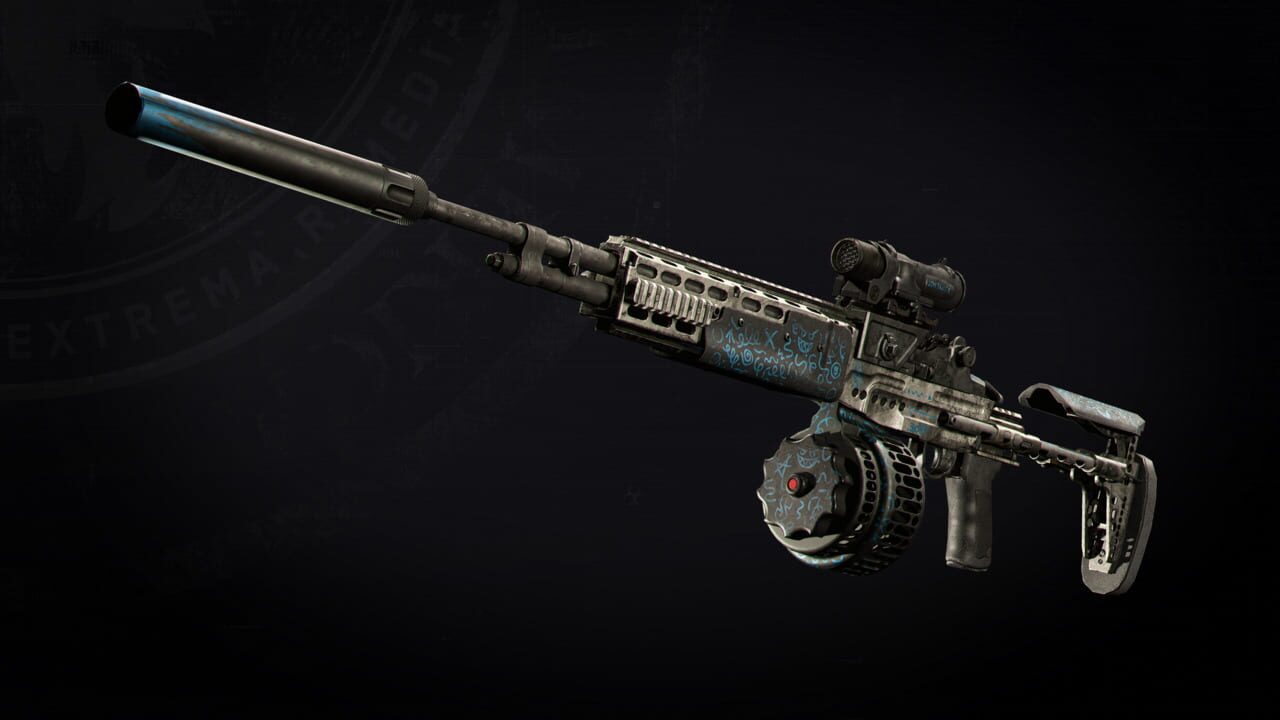
Division 2 Squad Guide 2026: Builds & Tactics
Hey agent! If you’re jumping into the-division-2 ready to squad up with friends or team with strangers, this guide has everything you need to go from solo operator to coordinated fireteam pro. Division 2 supports seamless co-op across nearly all PvE content — missions, control zones, outpost liberations, and endgame raids all work with a full squad of four agents. Whether you’re grinding SHD Tier or just getting your bearings on talent builds, this guide covers squad mechanics, matchmaking options, difficulty scaling, and teamwork strategies so your group functions as a unit instead of stepping on each other’s loot. Let’s get deployed.
Core Mechanics
| Mechanic | Description |
|---|---|
| Fireteam Size | Up to 4 agents per group (1 leader + 3 members) |
| Matchmaking | Built-in online matchmaking for most PvE activities; find fireteam and join |
| Friend Invites | Invite friends via platform friends list |
| Difficulty Scaling | Enemy level scales based on World Tier and highest-level agent in the fireteam |
| SHD Level Carry | SHD power levels carry across sessions; gear drops scale to group level |
| Revive System | Downed allies can be revived quickly; downed enemies tag out |
| Loot Distribution | Individual loot — every agent gets their own drops based on their level and rarity |
| Mission Progression | Mission progress is shared across the fireteam; objectives complete for everyone |
| Voice Chat | Built-in team voice chat; also supports third-party apps like Discord |
Step-by-Step
Step 1 — Forming Your Fireteam
Launching the game, you have several paths to group up. The fastest method is using the Find Fireteam option from the main menu or the in-game social tab. This places you in a matchmaking queue for the activity you selected — whether that’s a Control Zone, an Exclusion Zone, or a Raid. You can also go through your friend list and send invites directly. When playing with a pre-made group of friends, make sure one person is designated as the fireteam leader, since the leader controls mission start, kick votes, and activity selection. If you’re jumping into public matchmaking, the game auto-assigns a leader once the squad fills. Either way, confirm everyone is ready before dispatching — it saves a lot of back-and-forth mid-mission.
Step 2 — Understanding Scaling and Balance
One of the most important things to grasp about group play in the-division-2 is how enemy scaling works. When you enter an activity as a group, enemies scale up to match the highest World Tier of any member in your fireteam. This means if you’re a seasoned player with high-level gear and you join a newer agent’s group, the enemies will be significantly tougher. Your gear power level matters more than raw SHD level though, so make sure everyone is geared appropriately for the activity. Low-level agents in a high-level fireteam may feel squishy, so coordinate roles: put your tankiest builds in front, have your damage dealers pick off elites, and keep your support class healing and buffing.
Step 3 — Choosing the Right Activity Together
Not every activity in the-division-2 is built for large groups, but the vast majority are. Here’s a quick rundown:
- Control Zones & Supply Drops — Great for casual squad play. Up to 4 agents, straightforward objectives, excellent for grinding weapons and gear.
- Exclusion Zones — Larger open-area missions with multiple sub-objectives. Perfect for coordinated teams who want a longer session.
- Outpost Liberations — A core endgame activity where your group clears an outpost of enemies and secures it. Requires teamwork and role awareness.
- Raids (e.g., The Tower) — The pinnacle of group content. These demand tight coordination, specific class compositions, and communication. Not for beginners.
- Dark Hours — Challenging weekly missions that scale well with coordinated groups.
- Assignment Missions — Short repeatable missions with bonus rewards. Good for filling time between bigger activities.
Pick your activity based on your group’s experience level and how much time you have. Don’t queue for a raid if half your team has never done one before — the frustration factor is real.
Step 4 — Class Synergy and Role Assignment
the-division-2 features four distinct agent classes, and each one shines when used correctly in a group setting:
- Gunner — High sustained DPS with the M134 minigun. Works as your primary damage dealer. Keep distance and focus fire on high-priority targets.
- Technician — Deploys turrets and the P-017 missile launcher for area denial and extra damage. Excellent at holding chokepoints during Outpost Liberations.
- Survivalist — Versatile crossbow + deployables; a reliable all-rounder who can fill damage and utility.
- Demolitionist — The M32A1 grenade launcher for AoE crowd control; great for clearing elite packs.
Note: Division 2 has no dedicated “Medic” or “Operative” class — that’s a Division 1 / other-game role model. In Division 2, each agent picks one of the six Specializations; “support” comes from deployables (Tactician Drone, Striker Shield, turrets) and gear sets, not a separate healer role. A balanced fireteam mixes a damage Specialization (Demolitionist/Gunner) with a versatile one (Survivalist/Technician) and carries sustain deployables between them.
A balanced fireteam mixes damage and utility Specializations and carries sustain deployables. Try to avoid stacking three identical Specializations — you’ll have no coverage if one role is hard-countered. Communicate roles before the mission starts. A quick “I’m running Demolitionist, who’s on sustain?” in voice chat takes five seconds and prevents ten minutes of friction.
Step 5 — Communication and Coordination
Voice chat is your best weapon in the-division-2. The game’s built-in team chat works fine for quick pings and callouts, but many groups prefer Discord for clearer audio. Here’s what you should communicate constantly:
- Enemy positions and elite tags
- Ability cooldowns (“My turret’s down,” “Smoke ready”)
- Revive status (“I’m down, need cover!”)
- Objective updates (“Clearing the last room, push in”)
- Loot calls (“That legendary went to someone, claiming it”)
Don’t be shy about calling out information. Even if it feels obvious to you, your teammates might be focused on a different part of the map. Good communication turns a group of strangers into a cohesive unit.
Step 6 — Loot and Reward Management
the-division-2 uses an individual loot system, which means every agent in your fireteam earns their own gear drops. There’s no tradable loot — you can’t give your extras to teammates. This is a deliberate design choice by the developers. If you roll triple drops on a legendary you already have maxed, that’s your problem to solve with your stash space. Here are some tips for managing group loot:
- Coordinate consumable usage — don’t all grab the same medkit type if someone else needs a different one
- Share intel on world drops and elite spawns
- If you’re running with friends, discuss build goals beforehand so you’re not all rolling the same gear
- Use stashing wisely to manage duplicate items
Remember, grinding gear in a group is significantly faster than solo. Multiplied drops and shared kill counts mean you’ll tier up your gear quicker. Make the most of it.
Step 7 — Optimizing Builds for Group Content
When building for group play, versatility matters more than peak single-target damage. Here are some build principles to follow:
- Survivalist / Technician (sustain): Prioritize skill cooldown reduction and healing/sustain stats. Deployables like the Tactician Drone and Striker Shield provide constant team value in high-difficulty content.
- Gunner / Demolitionist (damage): Focus on weapon damage and critical hit chance. Suppression and explosive skills keep elites pinned while your team focuses them down.
(There is no “Medic” role — support is provided by deployables and gear sets across any Specialization.)
Step 8 — Endgame Group Content
Once you’ve hit World Tier 3 and started pushing into higher SHD levels, endgame group content opens up. Raids like The Tower require specific class comps and tight coordination. Dark Hours scale with your group size and demand precise execution. Always review the mission modifiers before dropping in — a group that understands the affixes wins consistently. Use external resources like community guides to prepare before your first run.
FAQ
How many players can squad up in Division 2?
You can form a fireteam of up to 4 agents. All PvE activities support full squads, and matchmaking pairs you with others in the same activity type.
Does Division 2 support cross-platform play?
Yes. Cross-play is available between same-platform families — PC players can squad with other PC players, PlayStation with PlayStation, and Xbox with Xbox. Cross-generation play is also supported within each ecosystem.
Can I trade gear with my fireteam in Division 2?
No. Division 2 uses an individual loot system. Every agent earns their own drops and there is no trading between players. Share loot intel and coordinate builds beforehand instead.
What is the best class composition for raids in Division 2?
A balanced raid comp typically mixes a damage Specialization (Demolitionist or Gunner) with a sustain/versatile one (Survivalist or Technician carrying deployables like the Tactician Drone or Striker Shield). Communication and role awareness matter more than perfect builds — and there’s no separate “Medic” slot; healing comes from deployables and gear.
Keep exploring
- The Division 2 on MMOKB — the The Division 2 game hub has the full knowledge base, tools and guides.
- Read the The Division 2 knowledge base — Agent Specializations, The Dark Zone, Strikes, Seasons, Pvp.
- More The Division 2 guides — The Division 2 Endgame Guide: 10 Division Tiers & Achievements 2026, The Division 2 Best Builds 2026 — Farming, Talents, Tips, The Division 2 Beginner Guide: Best Builds & Gear (2026), The Division 2 Best Builds Farming And Tips: 2026 Proof, The Division 2 Best Builds 2026: Endgame Loadouts Ranked, The Division 2 Best Classes Tier List 2026: Pick Your Meta Build.
- Browse the full library — all MMOKB guides
Reviewed & verified
| Covers | the-division-2 |
| Last verified | October 15, 2026 |
| Accuracy | The game’s own numbers and rules — they change with patches; check in-game for live values. |
Discussion
0 commentsNo comments yet. Be the first!