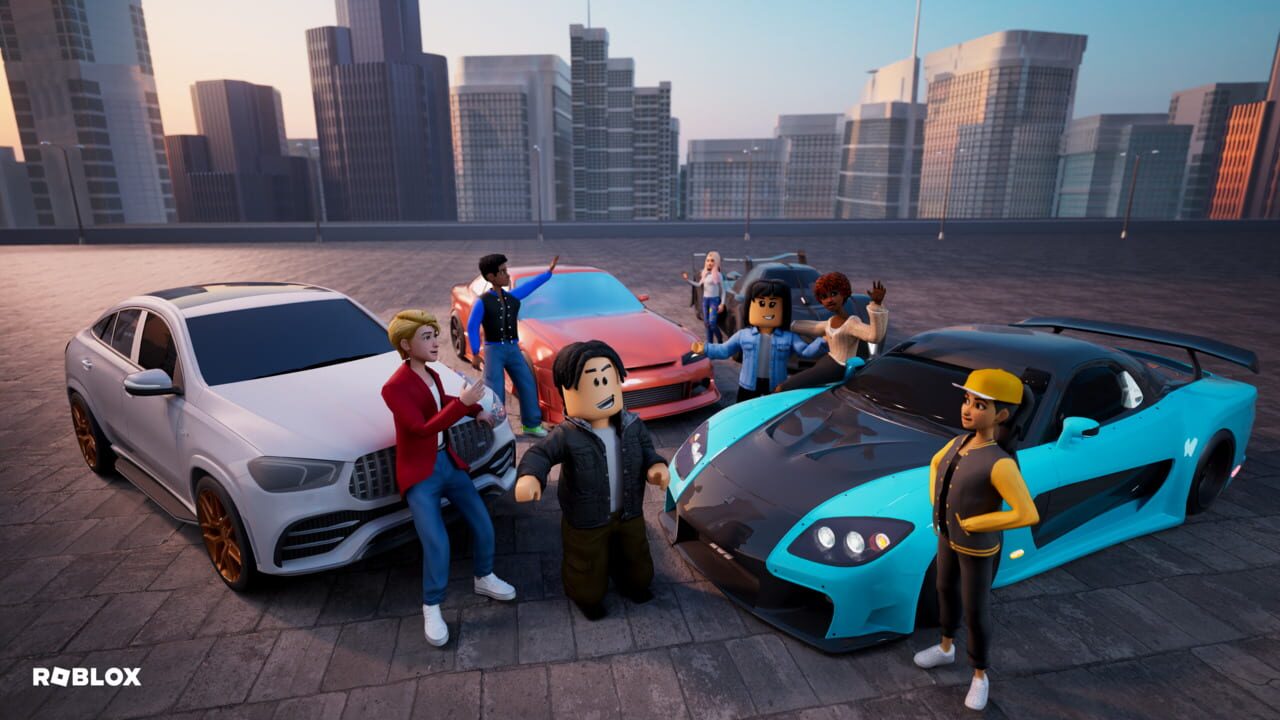
Roblox is a platform, not a single game. It is a universe of user-created experiences where millions of players build, play, and socialize. It is free to play, and the platform is available on PC, mobile, and console. This guide walks you through your first few weeks: understanding the platform, picking a genre, and making your first experience.
Note: Roblox is updated regularly. New features, new game genres, and platform changes shift between patches. The strategies below are evergreen, but check the in-game discovery feed and the official site for what is new this season.
Before you start: know the three pillars
- User-created content. Every experience is made by a community developer.
- Avatar system. You customize your avatar with clothes, accessories, and animations.
- Robux economy. Robux is the platform’s currency. You can earn or buy it.
Your first hour: explore the platform
- Create an account. Sign up and customize your avatar.
- Find a genre. Roblox has thousands of experiences. Start with a genre you enjoy: tycoon, roleplay, obby, or horror.
- Play 5-10 experiences. Learn the platform’s controls, the chat system, and the reporting tools.
- Join a group. Groups give you a community and access to group-only experiences.
The avatar system
- Clothes and accessories. You can buy or earn avatar items with Robux.
- Animations. You can equip custom animations for your avatar.
- Body shape. You can change your avatar’s body proportions.
Check in-game for the current avatar item shop and the latest releases.
Week 1: learn to make an experience
- Use the Roblox Studio. Roblox Studio is the free editor. Download it and open a blank template.
- Place parts. Use the part tool to build a small structure.
- Add scripts. Use the script editor to add simple functionality.
- Publish. Publish your experience to the platform. Share it with friends.
The basic loop: open Studio, build something small, add a script, publish, and play. Do not try to build a full game in your first session.
Week 2: join the community
- Follow developers. Follow the developers whose experiences you enjoy.
- Join a developer group. Groups give you access to dev-only features and community events.
- Participate in events. Roblox runs regular events with rewards. Check in-game for the current event calendar.
Week 3: make your first experience
- Pick a small scope. A single-map experience is easier than a full game.
- Use templates. Roblox Studio has templates for tycoon, roleplay, and obby experiences.
- Add a tutorial. A short tutorial teaches players how to play.
- Get feedback. Share your experience with friends and ask for feedback.
FAQ
Is Roblox free to play?
Yes. The platform is free. Robux is the in-game currency, and you can buy it or earn it through the platform’s systems.
How do I make an experience?
Use Roblox Studio. It is a free editor that you can download from the official site. Start with a template and build from there.
What is the best genre for beginners?
Tycoon experiences are the easiest to make and the most forgiving. Start with a tycoon template and build from there.
Is the 2026 platform worth playing?
Yes. The platform has a massive active player base, regular updates, and new experiences. It is one of the best user-created game platforms available.
How do I find a good game to play?
Match the genre to your mood, check the player count, read the last few reviews, and watch a gameplay clip before you click. The player count is the cheapest quality filter on the platform.
Is it safe to buy Robux?
Only from the official store. Third-party “Robux generators” and “free Robux” sites are scams that steal your account or payment info. Check in-game for the official Robux store.
Can I earn Robux by playing?
You can earn Robux through the platform developer payout system if you make an experience. You cannot earn Robux by “exploiting” other games — that is a bannable offense.
Roblox: How to Pick a Game to Play
Roblox has thousands of experiences. The discovery feed shows you a random mix of them. Here is how to actually pick the right one for what you want to do.
- Match the genre to the mood. Want to build? Tycoon. Want to act out a story? Roleplay. Want to test your jumping? Obby. Want to be scared? Horror. The genre should match what you feel like doing, not what is popular.
- Check the player count before you click. A game with 50,000 players is usually active and has a community. A game with 50 players may be empty or broken. The player count is the cheapest quality filter on the platform.
- Look at the reviews. Each experience has a review section. Read the last few reviews before you play. If the latest reviews say the game is broken or the developers are not responding, skip it.
- Watch a gameplay clip first. Most popular experiences have YouTube clips. A two-minute clip tells you more about the game than the description page. If the clip looks boring, the game will be boring.
- Do not play the most popular game just because it is popular. The most popular game is usually the most casual. If you want a deeper experience, look for the games in the top 20 that are not the most popular.
Check the in-game discovery feed for the current trending experiences and the official site for the latest releases.
Roblox: Earning and Spending Robux Safely
Robux is real money, whether you buy it or earn it. The most common mistake beginners make is spending it faster than they earn it. Here is how to keep the economy working.
- Do not buy Robux from third-party sites. The official store is the only safe way to buy Robux. Third-party “Robux generators” and “free Robux” sites are scams. They steal your account or your payment info. Check in-game for the official Robux store.
- Earn Robux through the platform systems, not through exploits. The platform has developer payouts for experiences that have active players. If you make an experience, the Robux you earn is real. If you “exploit” a game to get Robux, you will get banned.
- Spend slowly. A single avatar item can cost more than a week of developer payouts. If you want an item, wait until you have enough Robux to buy it without going into a deficit.
- Do not trade Robux between accounts unless you are sure both parties are trustworthy. Robux trades between players are not officially supported on the platform. If you trade and one side does not deliver, you have no recourse.
- Set a budget before you start playing. If you are spending more Robux than you earn or have, stop for the day. The platform is designed to keep you playing, not to keep you spending.
Check in-game for the current Robux prices and the official developer payout schedule.
Keep exploring
- Roblox on MMOKB — the Roblox game hub has the full knowledge base, tools and guides.
- Browse the full library — all MMOKB guides
Reviewed & verified
| Covers | Roblox |
| Last verified | November 24, 2026 |
| Accuracy | The game’s own numbers and rules — they change with patches; check in-game for live values. |
Discussion
0 commentsNo comments yet. Be the first!