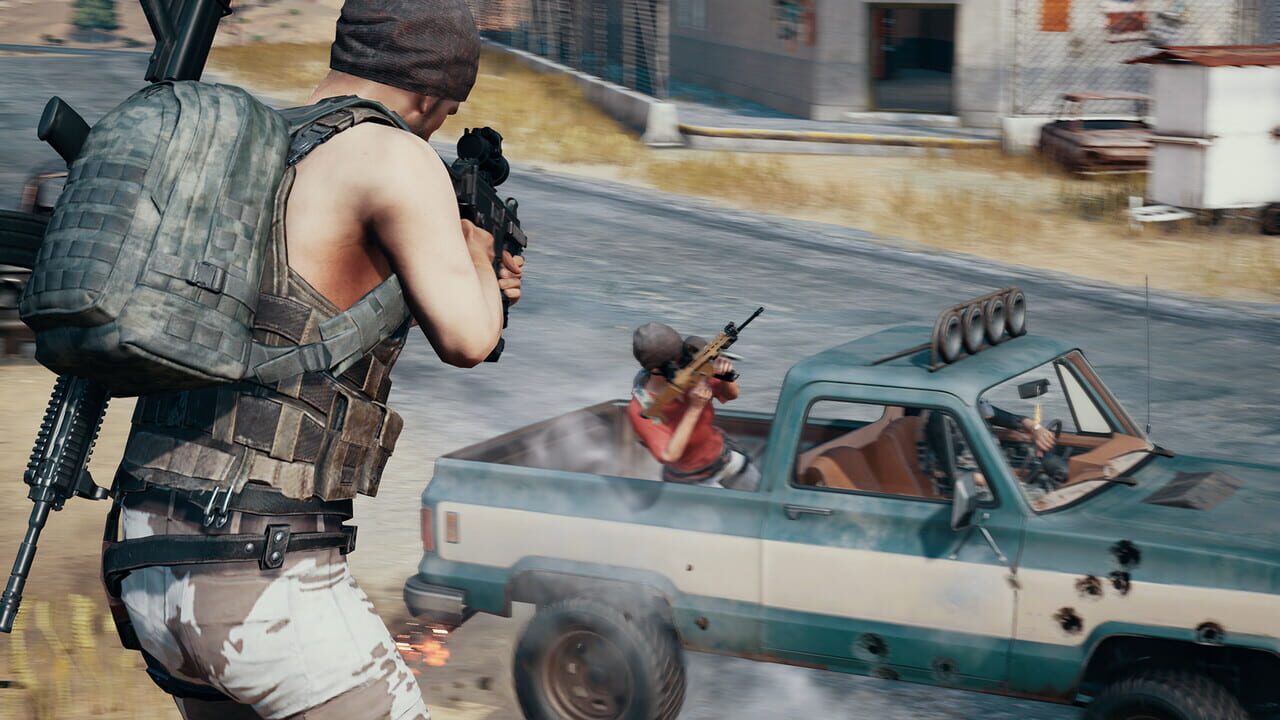
Pubg Battlegrounds Group Play Guide
Intro
Looking to crush the battlegrounds with your squad instead of fighting solo? This Pubg Battlegrounds Group Play Guide is your ultimate walkthrough for dominating pubg-battlegrounds in duo, trio, and squad matches. PUBG: BATTLEGROUNDS is built around team-based battle royale combat, and playing with a group is where the game truly shines. Whether you’re coordinating a full four-stack or hopping into a duo with a friend, understanding how group dynamics work will separate the winners from the corpses. In this guide, we’ll walk you through everything from voice comms setup and ping tactics to role assignment, rotation strategies, and anti-cheat awareness so your squad can show up as a unit and leave with the winner winner chicken dinner. Let’s get into it.
Core Mechanics
| Mechanic | Description |
|---|---|
| Squad Sizes | Matchmaking supports Duos (2 players), Trios (3 players), and Squads (up to 4 players). You choose your lobby size before dropping in. |
| Ping System | The in-game communication tool that lets you mark enemies, loot, vehicles, and landing zones without using voice chat. |
| Voice Chat | Built-in proximity and distance voice channels for squad communication. Works over both local mic and headset setups. |
| Revive System | Downed squad members can be revived by teammates within a short radius. Reviving takes time and leaves you vulnerable. |
| Teammate Marker | Continuously shows your squad’s position on the mini-map and screen to prevent getting separated. |
| Spectating & Respawn | When the entire squad is eliminated, surviving teammates can spectate until the match ends; no official respawns exist in standard modes. |
| Matchmaking Pool | Solo players can fill squad slots with random teammates. Premade groups receive priority placement together. |
| Anti-Cheat Enforcement | PUBG: BATTLEGROUNDS runs a weekly ban cycle targeting cheaters, exploitors, and toxic players. Check the official ban notices for updates. |
| PAS2 Competitive | The PUBG Asia Series 2 (PAS2) is an ongoing esports circuit with qualifiers, playoffs, and finals stages where top teams compete for titles and prizes. |
Step-by-Step
Step 1: Form or Join Your Squad
Before you even load into a match, make sure your group is set up correctly. Head to the lobby screen and select your desired mode — Duos, Trios, or Squads. If you’re playing with friends, create a party through Steam or the in-game friend system and invite everyone. If you’re solo and want to fill a squad slot, select the appropriate mode and you’ll be matched with other solo or premade players. A full four-stack in Squad mode gives you the highest survivability and tactical depth, but it also demands the most coordination. Don’t underestimate duo play — two coordinated players can pick apart larger, unorganized squads.
Step 2: Set Up Communication
This is non-negotiable. A squad without communication is just four people running in different directions. Enable voice chat in the settings and test your mic before every match. If you can’t use voice, rely heavily on the ping system, but know its limits. Establish callout words and stick to them. When someone says “enemies ahead,” everyone needs to know what that means. Set your ping shortcuts in the keybind menu so they’re easy to hit under pressure — mark a building with one click, flag an enemy direction with another, and mark loot you want your team to grab.
Step 3: Choose Your Landing Strategy Together
Don’t land wherever one person feels like it. As a group, decide on a drop zone as a team. Popular hot drops like Pochinki or School give you early gear and action but come with extreme risk. Quiet remote areas on the map’s edge are safer for looting but leave you far from the mid-match action and potential zone shifts. If your squad prefers aggressive early-game fights, pick a mid-tier location like Miramar’s desert structures or Erangel’s military base outskirts. Agree on the plan before the plane flies over — once you’re out, decisions happen too fast for lengthy discussions.
Step 4: Loot Efficiently and Share Resources
Once you land, split up slightly to cover more ground, but stay close enough to respond to contact instantly. Prioritize weapons, attachments, armor, and meds. When you find something a teammate needs, ping it or call it out — hoarding gear in a squad is a fast track to someone dying because they have no armor. Share ammunition if your squadmate picks up a different primary weapon. A squad that shares loot wins fights that a selfish squad loses.
Step 5: Rotate as a Cohesive Unit
The rotating blue zone is the force that shapes every match. As the safe area shrinks, your squad needs to move together, not scatter. Use vehicles when available — aUAZ, Dacia, or motorcycle — to traverse long distances quickly. Before committing to a rotation, scout ahead. Ping enemy positions, mark cover opportunities, and identify high-ground advantages. Never split up during a rotation unless absolutely necessary. A squad that moves as one is far harder to pick apart than four individuals running separate paths.
Step 6: Fight Smart in Contact
When your squad makes contact with enemies, role assignments matter. One player suppresses, another flanks, a third provides cover fire, and whoever isn’t shooting watches for third-party threats. The ping system is critical here — mark enemy positions constantly so your whole squad knows where threats are. If a teammate goes down, decide immediately whether to revive or hold position. Reviving in the open under fire is dangerous; always have at least one person covering the revive. After winning a fight, check your gear, redistribute ammo, and reset before pushing further.
Step 7: Manage Endgame Positioning
Late-game circles in pubg-battlegrounds are brutal and often decided by positioning, not just aim. As the zone tightens, prioritize high ground, building cover, and natural terrain advantages. Avoid open-field fights when you can. Stack utility — smokes for revives and repositioning, grenades for area denial, and molotovs for flushing enemies out of cover. Communicate ult usage so you don’t waste them. The final circles reward patience and discipline; don’t force engagements your squad isn’t ready for.
Step 8: Stay Compliant and Clean
PUBG: BATTLEGROUNDS maintains active anti-cheat enforcement with weekly ban notices covering weekends like the 09/28–10/04 cycle. Avoid exploiting glitches, using unauthorized software, or engaging in toxic behavior — these get you banned and ruin the experience for everyone. If you’re interested in competitive play, keep an eye on official tournaments like PAS2, where qualifiers and playoffs run on structured schedules and top squads earn spots in grand finals.
Tips
- Practice your ping calls. The ping system is your squad’s lifeline when voice chat fails. Learn the shortcuts cold.
- Assign roles per match. One player calls shots, another manages loot distribution, a third watches for flanks — role rotation keeps everyone sharp.
- Use smokes liberally. In pubg-battlegrounds, smokes are the single most underestimated tactical item for revives and zone pushes.
- Watch the mini-map constantly. Your squad’s marker and enemy pings should always be visible. Losing track of your team’s position is how you get picked off one by one.
- Peek and hold angles. Don’t spray blindly. One player peeks to identify enemies, then steps back while the squad pre-aims the confirmed angle.
- Save grenades for team fights. A well-thrown HE or flash at the right moment can win an otherwise lost firefight.
- Loot efficiently, not greedily. Two full mags of 5.56 and an SMG with max attachments beat a cluttered inventory you can’t manage under pressure.
- Learn from eliminated matches. When your squad gets wiped, debrief quickly. What went wrong? Bad rotation? Poor angle holding? Use it to improve the next match.
- Stay aware of the competitive scene. Following tournaments like PAS2 Finals gives you insight into advanced squad coordination and meta strategies you can adapt to your own games.
Related Guides
FAQ
Q: What squad sizes are available in pubg-battlegrounds?
A: PUBG: BATTLEGROUNDS supports Duos (2-player squads), Trios (3-player squads), and Squads (up to 4-player squads). You select your preferred mode in the lobby before matching into a server.
Q: Can I play pubg-battlegrounds with friends on a different platform?
A: No crossplay between PC and console — PC players match within their own pool. But current-gen consoles (PS5 and Xbox) do share crossplay lobbies, so your PS5 and Xbox friends can party up together.
Q: How does the revive system work in squad matches?
A: When a squad member is eliminated, they enter a downed state where they can crawl and self-revive after a brief timer if no teammate helps. Another squad member can manually revive them by holding the revive button near their body, but the process takes several seconds and leaves the reviver exposed to enemy fire.
Q: Is there an official competitive scene for pubg-battlegrounds squad play?
A: Yes. PUBG maintains an active competitive ecosystem including regional leagues and international events. The PUBG Asia Series 2 (PAS2) is one such circuit, featuring qualification rounds, playoff brackets, and grand finals where top teams compete for championship titles and prizes.
Q: How do weekly bans affect group play?
A: The PUBG: BATTLEGROUNDS anti-cheat team publishes weekly ban notices (for example, covering periods like 09/28 through 10/04) that list accounts removed for cheating, exploiting, or abusive behavior. Playing fair ensures your squad stays intact and your teammates aren’t disrupted by banned players entering your matches.
Keep exploring
- PUBG: Battlegrounds on MMOKB — the PUBG: Battlegrounds game hub has the full knowledge base, tools and guides.
- Read the PUBG: Battlegrounds knowledge base — Squad Roles, Competitive Ranks, Maps And Zones, Vehicles.
- More PUBG: Battlegrounds guides — Pubg Battlegrounds Achievement Guide (2026), PUBG Battlegrounds Tips: Your First Chicken Dinner Guide 2026, PUBG Battlegrounds Best Builds Farming And Tips, Pubg Classes Tier List 2026: Pick the Best Class for Your Playstyle, PUBG Battlegrounds Win Guide 2026: 8 Pro Strategies, PUBG Controller Settings: 2026 Pro Builds.
- Browse the full library — all MMOKB guides
Reviewed & verified
| Covers | pubg-battlegrounds |
| Last verified | November 4, 2026 |
| Accuracy | The game’s own numbers and rules — they change with patches; check in-game for live values. |
Discussion
0 commentsNo comments yet. Be the first!