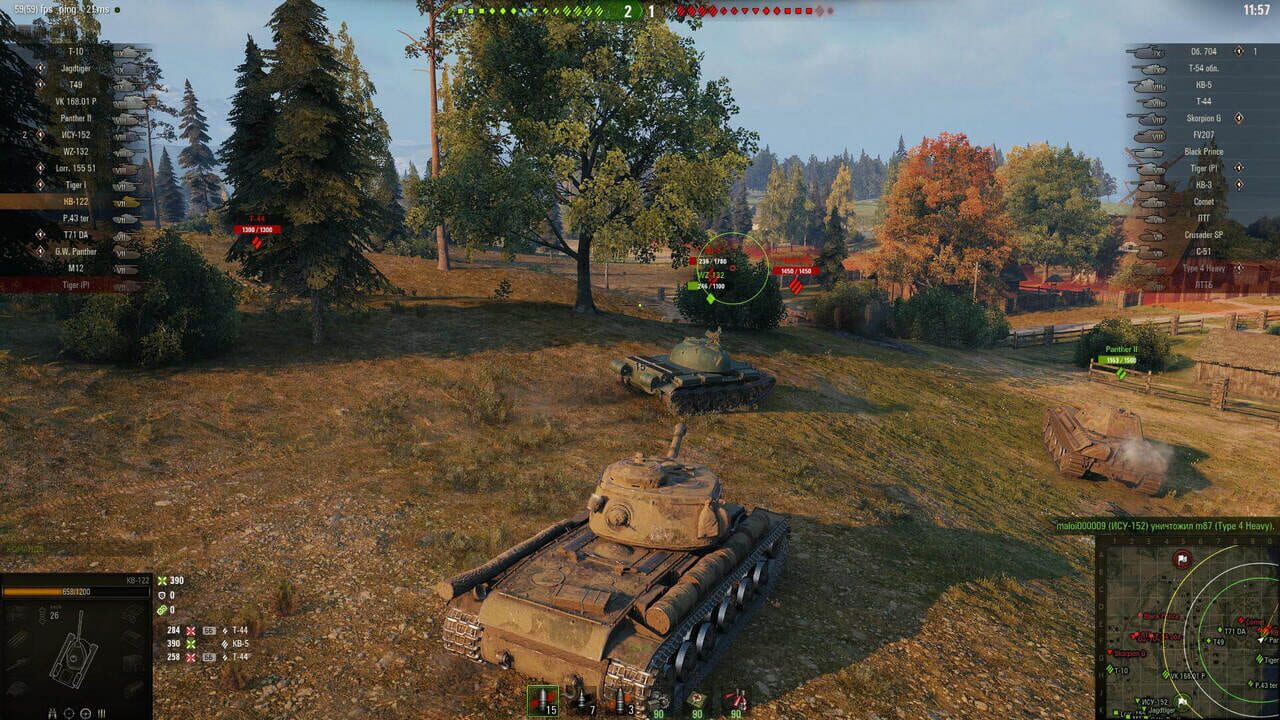
Intro
Commanders, if you want to squeeze every free premium credit, exclusive camo, and rare vehicle out of this season, this guide has your back. Seasonal events in World of Tanks are the smartest path to top-tier gear without spending real money. We break down how every major event system works, how to schedule your battles around two-weekend windows, and exactly which tasks to prioritize so you climb rank fast. Whether you run heavy tanks or scout in lights, the event tracks reward smart play. Let’s get into it.
Core Mechanics
| Event System | What It Does | Key Details |
|---|---|---|
| Limited-Time Event Modes | Altered-match special rules during event windows | Speed buffs, neon liveries, scoring overrides — only active while the event runs |
| Event Progression Tasks | Objectives tied to event participation | Complete battles, score points, destroy specific vehicle types to advance |
| Event Rewards Track | Tiered rewards unlocked by event rank progress | Free track gives credits, XP, consumables; premium/event track adds unique vehicles and skins |
| Monthly / Seasonal Calendar | Events rotate on a fixed schedule | Major events often span two weekends per month; smaller promos run all month |
| Battle Hub | Dedicated lobby for non-standard matchmaking | All event modes launch from here, separate from standard matchmaking |
| Premium Account Bonuses | Stacks on top of event rewards | Premium multiplies XP and credit gains, compounding your event rank faster |
| Daily / Weekly Event Tasks | Repeatable objectives refreshing on schedule | Daily tasks reset each day; weekly tasks reset on the designated reset day |
| Event Shop | Spend event-specific currency on curated rewards | Exchange event coins for vehicles, modules, camos, frames, and more |
| Special Livery / Decorations | Cosmetic rewards earned or purchased during events | Neon paints, frames, and emblems are popular event-exclusive cosmetics |
| Rank-Based Reward Tiers | Higher ranks unlock progressively better prizes | Rank climbs with accumulated event points from tasks and match performance |
Step-by-Step
Step 1: Know the Event Calendar
Before you log in, check what’s live and what’s coming. Gaijin posts schedules on the official WoT site, in-game banners, and community channels. October is historically the busiest month, with events like Neon Dash returning for two dedicated weekends. Map your play schedule around those windows — that’s where the heavy drops live.
Step 2: Launch from the Battle Hub
Event modes are not in the standard matchmaking queue. Open the Battle Hub from the garage and pick the active event mode. You’ll see the point system, available tasks, and your progress bar. Read the ruleset before queuing — some events reward kills, others reward survival, and a few mix both.
Step 3: Complete Daily and Weekly Tasks
Every event has a task list. Daily tasks refresh every day; weekly tasks reset once per week. Hit dailies first — steady point income with minimal time. Weekly tasks often need specific conditions (e.g., deal a set damage threshold in one battle), so tackle those when you have bandwidth for longer sessions. Track your progress in the event window so nothing slips through.
Step 4: Climb Your Event Rank
Points from tasks and battle performance feed your event rank. Each rank tier unlocks the next rewards on the progression track. Free rewards are always accessible; premium tracks require the event pass but offer significantly better payouts. Climb consistently rather than in one burst — spread battles across multiple days to keep steady rank growth.
Step 5: Spend Event Currency Wisely
If the event includes a shop, you’ll earn event-specific currency through participation. Before spending, review the full catalog. Priority order: (1) premium account time if you lack it, (2) exclusive vehicles you can actually use at your current tier, (3) cosmetics and frames for garage personalization. Don’t impulse-buy early cosmetics when a valuable vehicle sits further down the track.
Step 6: Stack Premium Where Possible
If you have or can acquire a premium account, activate it before the event window opens. Premium boosts XP and credit earnings across all modes, including special events. Combined with event bonuses, the compound effect means faster rank climbing and more currency earned. Even a short premium boost at a two-weekend event meaningfully improves your final haul.
Step 7: Log Out with a Plan
Before signing off, check your remaining tasks and note what’s left to complete. Many players lose progress by logging out mid-event without reviewing objectives. Jot down your rank, remaining currency, and pending daily tasks so the next session starts cleanly.
Tips
Tip 1: Play the Mode You’re Comfortable With, Not the One That Sounds Cool. Event modes sometimes alter stats or handling. Jumping into a class you rarely pilot may look flashy but costs points through poor performance. Stick to what you know.
Tip 2: Time Sessions Around Refresh Windows. Daily tasks reset on a set schedule. Logging in just after reset gives maximum hours to finish tasks. Don’t wait until the last day — if life gets busy, you lose a full day’s points.
Tip 3: Use Free Premium Vehicles If Available. Some events grant access to special free premium tanks for the duration. Use them if they fit your style — they give you the premium XP multiplier at zero cost, the highest-effort-to-reward upgrade available.
Tip 4: Don’t Hoard Event Currency Past the Window. Event currency typically expires when the event ends. Review your catalog and spend everything before the clock runs out. Better to buy something useful than lose currency to expiry.
Tip 5: Coordinate with Squad Mates. Playing in a squad during events helps complete team-based tasks faster and earns bonus coordination points if the mode includes them. Communicate roles, share target assignments, and cover blind spots.
Tip 6: Watch for Leaderboard or Achievement Bonuses. Some events offer extra rewards for hitting leaderboard placements or unlocking hidden achievements. These are easy to overlook but can separate a good haul from a great one.
Tip 7: Keep an Eye on the In-Game News Tab. Event rules, bonus offers, and balance tweaks post there first. If a bonus multiplier runs for 48 hours, you want to know immediately — not after it expires.
FAQ
| Question | Answer |
|---|---|
| How long does the Neon Dash event typically run? | Neon Dash traditionally runs for two dedicated weekends per occurrence, usually in autumn, with daily and weekly tasks driving progress throughout. |
| Can I earn event currency without buying the premium pass? | Yes. The free event track grants currency through battle participation and task completion. Premium only unlocks additional high-tier rewards. |
| Do event rewards carry over to the next event season? | Event-specific currency expires when its event ends. Unspent premium time and cosmetic rewards persist, but event coins do not roll over. |
| What is the best vehicle type for event farming? | Use whatever tier and class you perform best in. High kill/point efficiency matters more than vehicle tier — comfort and consistency win events. |
Game: world-of-tanks
World of Tanks is a free-to-play online MMO tank battle game by Wargaming. The core loop centers on 15v15 matches across themed maps where players command historical tanks from WWII era. Events rotate regularly through the Battle Hub — a dedicated lobby separate from standard matchmaking. The Neon Dash event is a recurring autumn mode featuring neon-lit arenas and special scoring rules. Event passes offer free and premium reward tracks with vehicles, premium time, camos, and frames. Daily and weekly tasks drive event rank progression. Squad play is supported. No crafting, no trading system, no co-op campaign mode exists in the base game.
Discussion
0 commentsNo comments yet. Be the first!