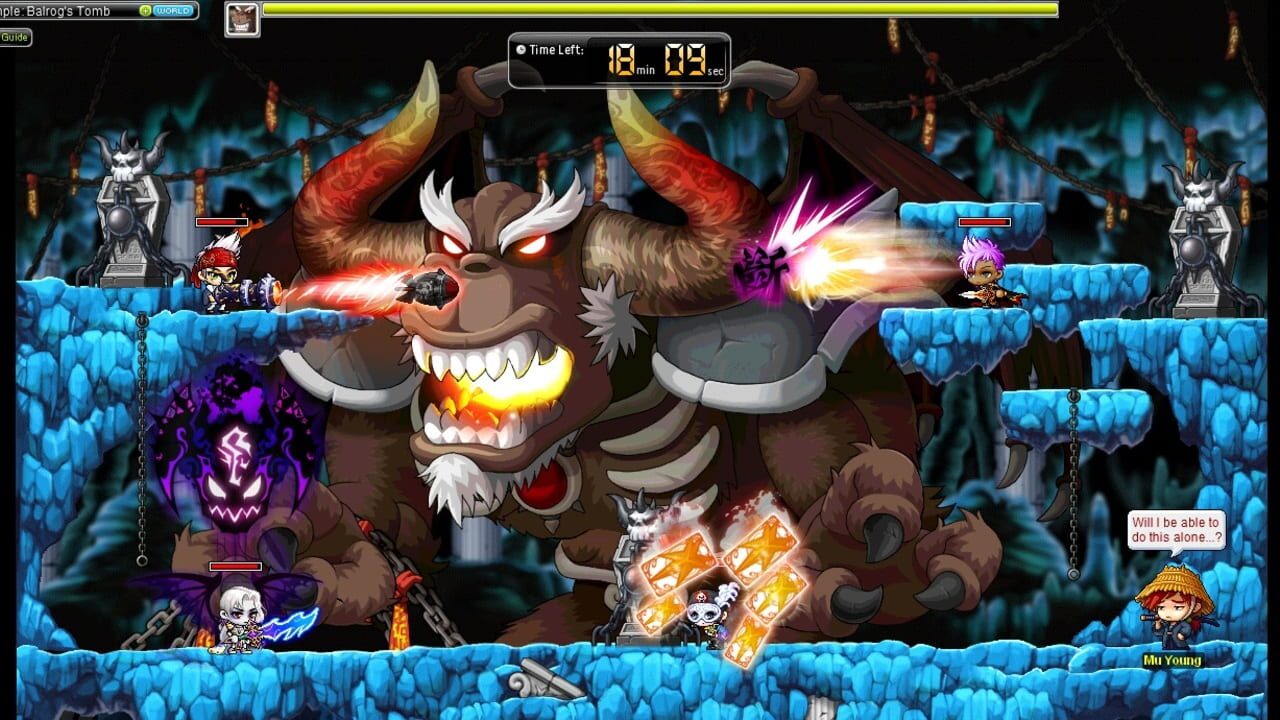
Hey there, Maple adventurers! Whether you’re a returning legend or a brand-new hero just hopping off the Sky Rail, this Maplestory Event Season Guide is your ultimate playbook for surviving and thriving during the busiest (and most rewarding) time of the year. Events in maplestory are where the real magic happens — exclusive rewards, boss rush challenges, community-wide objectives, and some of the best gear you can grab for free. Let’s make sure you’re ready.
Intro
Events are the heartbeat of maplestory’s live content cycle. Nexon drops limited-time events roughly every few months, and each one brings unique objectives, boss rushes, mini-games, and reward tracks that keep the community buzzing. The current active event lineup includes the Defend the Omega Sector! community war event and the ongoing Founder’s Access Pre-Download push for Nexon Launcher and Steam players. Knowing how these systems work — when to log in, what your daily tasks are, and how to maximize your reward track — can mean the difference between walking away with a solid haul and feeling like you wasted a whole month. This guide breaks down everything you need to tackle the current event season head-first.
Core Mechanics
| Mechanic | Description |
|---|---|
| Community-Wide Objectives | ”Defend the Omega Sector!” requires all players on a server (or globally, depending on the event) to deal damage to a shared event boss. Every hit counts toward unlocking tier rewards. |
| Personal Progression Tracks | Most events feature a reward ladder — complete daily/weekly tasks to earn points and unlock items like cash shop cosmetics, item vouchers, and special equipment. |
| Founder’s Access Perks | Players with Founder’s Access get early download via the Nexon Launcher and Steam clients, plus exclusive pre-registration bonuses and limited-edition nameplates. |
| Daily Login Rewards | Logged in on consecutive event days to claim escalating prizes. Missing a day usually resets the streak. |
| Event Quests | NPC-gated missions scattered across key hubs (Orbis, Perion, Henesys) that grant event points and materials. |
| Event Boss Rush | Select boss maps become temporarily available with modified mechanics and higher drop rates for event-specific loot. |
| Event Cash Shop Specials | Limited-time bundles, discount codes, and event-only items appear in the cash shop during the active window. |
| Stellar Pass / Battle Pass (when applicable) | Some event seasons introduce a premium track alongside the free reward path. Free track is fully viable. |
Step-by-Step
Step 1: Confirm Your Event Access
Before diving in, make sure your client is up to date. If you’re playing through the Nexon Launcher or Steam, check for any pending patches. Founder’s Access players can pre-download the latest event data ahead of the official start date — this means you’ll be one of the first in-game when the Omega Sector bosses spawn.
- Nexon Launcher: Launch the app → check the “Updates” tab → verify the current version number matches the event patch notes.
- Steam: Right-click Maplestory → Properties → Updates → ensure automatic updates are enabled.
If you’re not a Founder’s Access holder, don’t sweat it. Full event access unlocks on the official start date regardless.
### Step 2: Grab Your Event NPCs
Once logged in, head to the central hub of your choice — most players favor Henesys or Orbis for event convenience. Look for the shiny event portal or the glowing NPC with the question mark over their head. The “Defend the Omega Sector!” NPCs will hand you:
- Your Event Quest Log (automatically tracked)
- A War Banner item (consumable buff for increased damage against Omega Sector bosses)
- Directions to the first Event Boss Map
Keep this quest log open — it’s your roadmap for the entire season.
Step 3: Tackle the Daily and Weekly Tasks
Every event season runs on a rhythm. Here’s the typical breakdown:
| Task Type | Frequency | Example Objective | Reward Tier |
|---|---|---|---|
| Daily Login | Once per day | Log in and collect your daily gift | Event Points |
| Daily Quest | Once per day | Deal 5,000,000 damage to Omega Sector bosses | Event Points + Material |
| Weekly Quest | Once per week | Complete 7 daily event quests | Rare Gear Box |
| Community Milestone | Continuous | Contribute to the global damage threshold | Unlock next reward tier |
| Boss Rush Clear | Repeatable | Defeat the event boss within the time limit | Epic Drop Ticket |
Prioritize daily tasks first — they’re low-effort and consistent. Then chain into weekly quests when your streak is looking clean. Don’t neglect the community milestone: your individual damage contribution directly affects the global bar, and higher tiers unlock better personal rewards.
Step 4: Stack Your Damage Efficiently
When it comes to the “Defend the Omega Sector!” boss rush, you want maximum DPS in minimum time. Here’s how to prep:
- Wear your best gear — event maps count all damage, so use your highest-stat setup.
- Consume War Banners — these give temporary damage buffs. Use them before entering boss maps.
- Utilize your Hyper Skills — save your big-hitter skills for the event bosses. Cooldown potions can help if you have extras.
- Use Event Buff Potions — some events offer free or shop-bought potions that stack damage bonuses. Check the event cash shop.
- Party Up — while maplestory doesn’t have dedicated PvP or co-op arenas, standard party formation works perfectly for event boss rushes. More damage = faster clears = more drops.
Step 5: Track Your Reward Ladder
Open your Event Menu (default key: T or accessed via the bottom-right UI panel). Here you’ll see your total event points, current tier, and what’s next. Keep this handy so you never miss a reward claim. Unclaimed rewards often expire when the event ends — double-check before the season closes.
Step 6: Founder’s Access Specifics
If you have Founder’s Access, you’ve got a few extra bells and whistles:
- Pre-Download: Get the event data early so you’re not stuck in a download queue on launch day.
- Exclusive Nameplate: Display your Founder’s status proudly in chat and on your character.
- Priority Queue: During high-traffic login windows, Founder’s Access members skip the line.
- Bonus Starter Pack: Check your in-game mail for a special gift box upon logging in during the Founder’s window.
To verify your status, go to the Nexon Launcher → click your profile icon → look for the “Founder” badge. On Steam, check your Maplestory library page for any Founder-exclusive DLC tags.
Step 7: Cash Shop Events (Optional but Worth It)
The event cash shop rotates throughout the season. While it’s 100% optional, some bundles offer genuine value:
- Event Point Boosters — speed up your progress on the reward ladder.
- Cosmetic Bundles — limited-time outfits and pet equipment that won’t return.
- Material Packs — useful if you’re farming crafting ingredients through the event.
Pro tip: Set a spending limit before you open the cash shop. It’s easy to get carried away with “just one more bundle” energy.
Tips
- Log in every single day. Even if you only do the daily login gift and one quest, maintaining your streak is crucial. Missed days reset your progression on several event tracks.
- Farm event materials in bulk. If you have a high-DPS character, run the boss map multiple times per session. Each clear grants materials and points.
- Use alt characters strategically. If you have alts with decent gear, run them through event quests too. Some tasks scale per-character, so multiple accounts = faster completion.
- Join a channel with low population. Busy channels can cause lag during boss rushes, especially when thousands of players converge on the same maps. Switch to a quieter channel for faster clears.
- Bookmark your event NPCs. Map navigation during events can be chaotic. Save the locations of key NPCs and boss portals to your favorites for quick recall.
- Don’t ignore the community chat. Event seasons are social. Other players often share tips, boss strategies, and notification about upcoming milestone pushes.
- Check patch notes. Nexon frequently adds mid-event updates — new quests, bonus damage events, or extended hours. Staying informed means you never miss a time-limited opportunity.
- Prepare for the final push. The last 48 hours of an event usually see a massive damage spike as the community races to hit the final milestone. Plan your most aggressive strategy for those last two days.
- Export your event rewards early. If you’re planning to switch servers or take a break after the event, claim and store all your rewards before the season ends. Expired rewards are gone forever.
- Use the official Nexon Launcher when possible. It handles event data delivery, patch management, and community announcements more reliably than third-party launchers.
FAQ
Q1: Do I need Founder’s Access to participate in the “Defend the Omega Sector!” event? No. Founder’s Access provides pre-download privileges and exclusive cosmetics, but all event content — including the Omega Sector boss rush, daily quests, and reward tracks — is available to every player on the official start date.
Q2: Can I play the event bosses solo, or do I need a party? You can absolutely solo event bosses. However, partying up significantly speeds up clear times and boosts your community damage contribution. Maplestory supports standard party formation through the in-game party system — just open the party menu and send invites. There are no dedicated co-op matchmaking tools specifically for events, so forming parties through chat or guild channels is the standard approach.
Q3: What happens to my unclaimed event rewards if the season ends? Unclaimed rewards expire when the event officially concludes. Once the timer hits zero, any event points, unopened reward boxes, or dangling quest items tied to that season are removed from your account. Always do a final sweep of your Event Menu and in-game mail before the season closes.
Q4: Are there any trading or player-to-player exchange features during event seasons? Maplestory does not have a formal player trading system or
Discussion
0 commentsNo comments yet. Be the first!