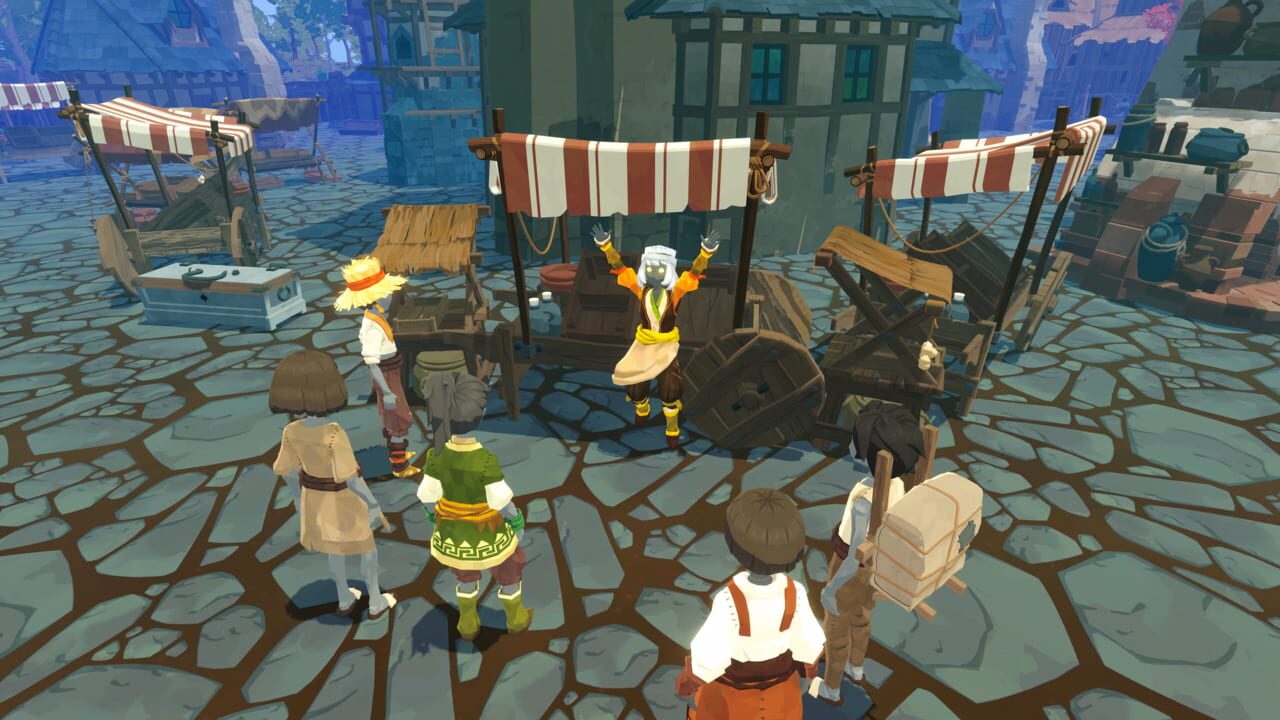
Want to master every feature in BitCraft’s Friends of the Forest update? You’ve come to the right place. This guide walks you through taming Nubi Goats, unlocking the wagon through Brico’s Plan B quest, using the deployable cosmetic override system, and expanding your Sagi Bird operations — all laid out clearly so you can move fast.
About BitCraft
BitCraft is an early-access social crafting MMORPG developed by Clockwork Labs. The core loop revolves around gathering resources, multi-tier crafting, settlement building, and cooperative progression across a shared world. Each major update layers new systems onto existing foundations rather than replacing them, so longtime players find familiar mechanics with fresh depth.
The Friends of the Forest update continues that design philosophy, adding livestock taming, transport expansion, and cosmetic customization without disrupting the gameplay you already know.
Nubi Goat Taming
Why Nubi Goats Matter
Nubi Goats are the headline livestock addition in this update. They slot into BitCraft’s existing animal-raising framework, meaning you already know the basic rhythm — feed them, house them, collect their output. What makes them stand out is the materials they produce and the exclusive crafting recipes they unlock.
What Nubi Goats Produce
Verified patch data confirms the following yields:
- Milk — consumed as food or used as an ingredient in crafting recipes
- Nubi Fur — a crafting material exclusive to Nubi Goats, unavailable from any other source
- Cosmetic variants — visual skins for your goat companions
These drops serve two purposes at once: self-sufficient food production and access to gear recipes that require Nubi Fur. That dual value makes them worth the setup effort.
New Glove Recipes from Goat Raising
Raising Nubi Goats grants access to new glove recipes you cannot craft any other way. This creates a direct link between your ranch expansion and your combat gear progression, rewarding investment in agriculture with stronger equipment.
How to Tame Nubi Goats
The taming process mirrors the established Sagi Bird system, so if you’ve tamed one before you’ll pick this up quickly:
- Locate wild Nubi Goats in the overworld. They spawn in defined biomes — consult the in-game map or ask NPCs for spawn hints.
- Use the correct bait to begin the taming interaction. Bait type matters; different animals respond to different food items.
- Place them in a stable or designated ranch area once tamed so they produce resources passively while you pursue other goals.
The process is straightforward and consistent with BitCraft’s existing taming loop.
Expanded Sagi Bird Functionality
Friends of the Forest also enhances existing Sagi Birds. The core taming and care loop stays the same, but additional capabilities were added based on the official patch notes. These improvements cover quality-of-life refinements and new interaction options for players who rely on Sagi Birds for travel and resource gathering.
If you already own a Sagi Bird, this is essentially a free upgrade to a system you already use. Review the full patch notes on the BitCraft official site to catch every detail.
Brico’s Plan B — The Wagon Quest
What the Wagon Does
The wagon introduces expanded carrying capacity for resource transport. You can move significantly larger batches of materials between locations compared to foot travel or standard inventory limits.
This proves especially useful for:
- Trade runs — move bigger craft shipments to market in fewer trips
- Large-scale crafting — haul bulk materials to your workshop without constant return journeys
- Settlement construction — transport building supplies across your base efficiently
How to Unlock the Wagon
Obtaining the wagon requires completing the quest chain “Brico’s Plan B.” It unfolds across multiple steps rather than a single dialogue exchange.
Steps to get started:
- Find the quest-giver NPC in a central settlement area. Check your quest log or ask other players if you need direction.
- Progress through each quest step. These typically involve gathering specific materials, visiting designated locations, and reporting back to the quest-giver.
- Receive the wagon upon chain completion.
The quest rewards exploration and preparation, fitting naturally into BitCraft’s broader progression style.
Deployable Appearance Overrides
What This System Does
BitCraft has always featured deployables — craftable world objects like workbenches, storage containers, furnaces, and decorative pieces. Before this update, your deployable’s appearance was locked to its functional form. You could not change how a workbench looked without replacing it with a different object.
The deployable appearance override system solves that limitation entirely. It works as a cosmetic transmog for placed structures.
Step-by-Step: How to Use It
- Acquire cosmetic appearance items. These special items represent alternate visual skins for deployables and are obtained through crafting or specific in-game sources.
- Store appearances in your vault. Cosmetic overrides live in your account-level vault, not your hotbar or personal inventory, freeing up carried space.
- Apply the appearance to a deployable. Once applied, the object retains all original stats and functionality while displaying the new skin. The effect is purely cosmetic — no gameplay advantage or disadvantage.
Why It Matters
Previously, players had to choose between aesthetics and utility. This system removes that compromise. Settlement builders can now design bases that look polished without sacrificing functionality, mixing cosmetics with practicality seamlessly.
Balance Changes and Bug Fixes
The Friends of the Forest patch includes several balance adjustments and bug fixes woven alongside the new features. These changes help the new systems integrate smoothly with BitCraft’s existing economy and gameplay loops. For the full breakdown of every tweak, check the official Friends of the Forest patch notes.
Quick Reference Table
| Feature | What It Does | How to Unlock |
|---|---|---|
| Nubi Goat Taming | Produces milk, Nubi Fur, cosmetic variants | Find wild goats, use bait, place in stable |
| New Glove Recipes | Exclusive gear crafted via goat raising | Raise Nubi Goats to unlock |
| Sagi Bird Expansion | Added functionality for existing birds | Auto-updated with the patch |
| Brico’s Plan B Wagon | Expanded resource transport | Complete the quest chain |
| Deployable Appearance Overrides | Reskin placed objects cosmetically | Craft/acquire appearance items, store in vault, apply |
FAQ
Q: How do I find wild Nubi Goats in BitCraft?
A: Wild Nubi Goats spawn in specific overworld biomes. Use the in-game map for location clues or speak to NPCs who can point you toward known spawn areas.
Q: Can Nubi Fur be obtained from any other source?
A: No. Nubi Fur is exclusive to Nubi Goats, making them the only way to acquire this crafting material.
Q: Does the wagon have PvP or combat capabilities?
A: The wagon is a transport and carrying-capacity tool only. It does not include combat features or PvP functionality.
Q: Do cosmetic overrides affect deployable stats?
A: No. Appearance overrides are purely visual. The deployable retains its original stats, crafting recipes, and functionality after the skin is applied.
Q: Where are cosmetic appearance items stored?
A: They are stored in your account-level vault, separate from your hotbar and personal inventory, so they do not consume carried-space limits.
Summary
The Friends of the Forest update brings meaningful content to BitCraft without disrupting the systems you already rely on. Nubi Goats expand your ranching options and unlock exclusive glove recipes, the Sagi Bird system gains new functionality, Brico’s Plan B quest chain grants you the wagon for efficient resource transport, and the deployable appearance override system finally lets you customize your base visuals without trading away utility.
All of these features tie together into a cohesive update that rewards investment in both your settlement and your character progression. Dive into the patch notes, track down those wild goats, and get your wagon rolling.
Discussion
0 commentsNo comments yet. Be the first!